My kid,
the game developer.
An afterschool studio where kids build, showcase, and ship real games with their friends.
Ages 8–15. No experience needed. First class is free.
The work
Build it. Test it. Ship it.
That loop is the whole studio. Kids run it every week on games that are theirs.
Build
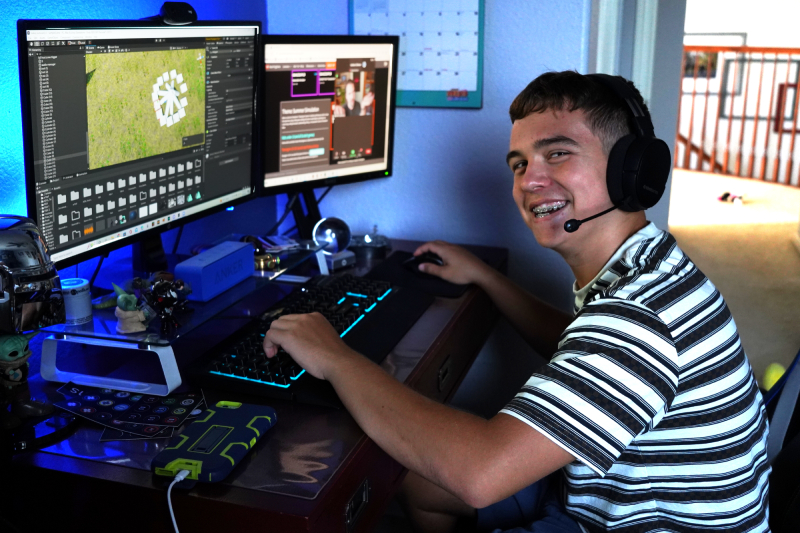
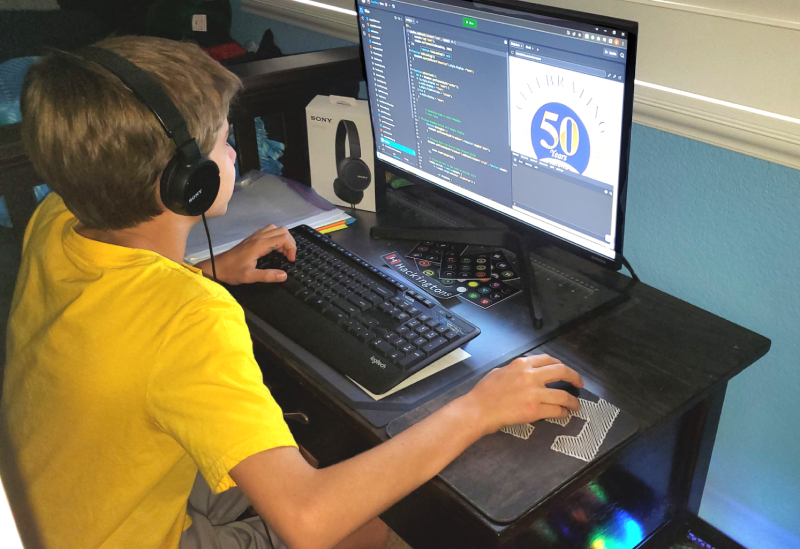
Real games in real engines, with an instructor sitting next to you when it breaks.
Test
Friends play your game, tell you what is boring, and you go fix it.
Ship
Finish something you can send to a friend, a cousin, or the whole class.
A session
What a class actually looks like
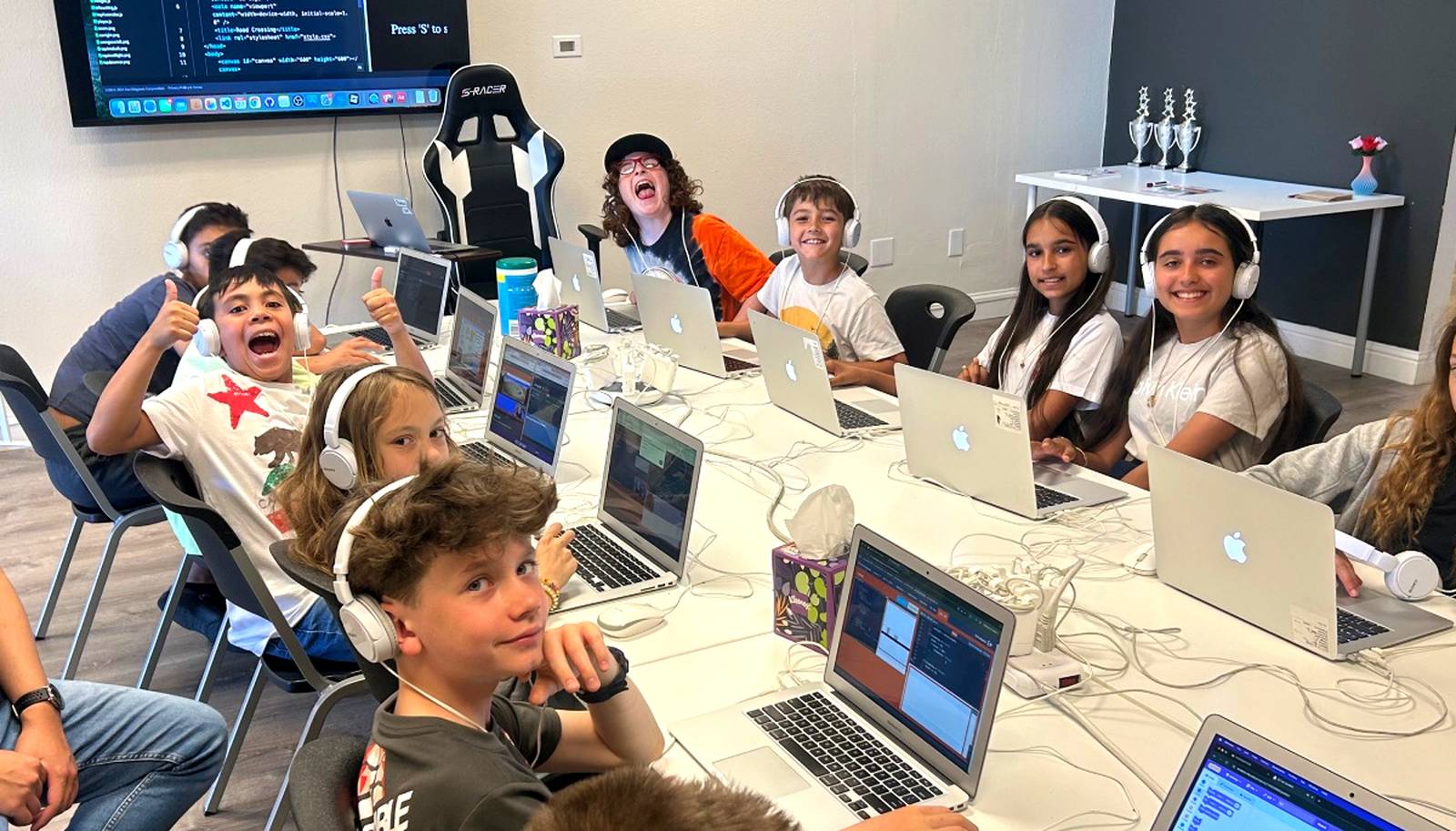
Seventy minutes, same shape every week. The part kids talk about at dinner is the showcase: everyone shows the class what they built, out loud, every single session.
-
Load up
Grab a station, open last week's project, and say what you are changing today.
-
Build
Heads-down work on your own game while an instructor moves between stations.
-
Showcase
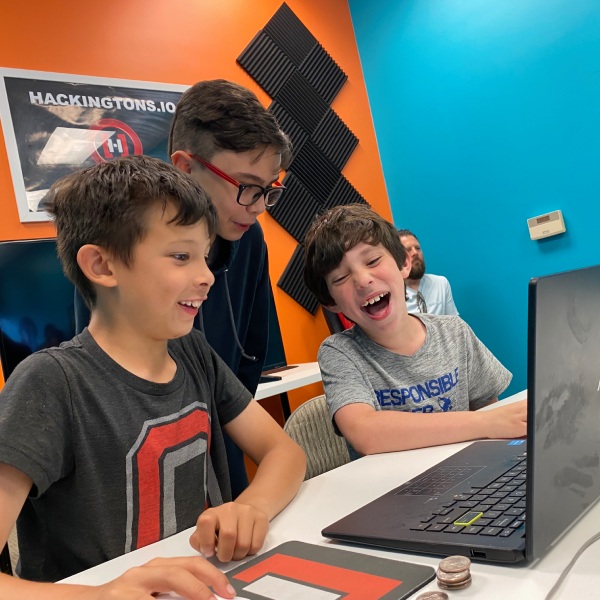
Show the class what you built, play what everyone else made, and tell each other the truth.
-
Iterate
Take the notes back to your project and fix the thing everyone tripped over.
-
Wrap
Save your build, then prepare and submit your game for publishing in our Arcade.
The games
What kids make
Platformers, silly games, racing games, tycoon games, and a lot of things that do not have a genre yet.
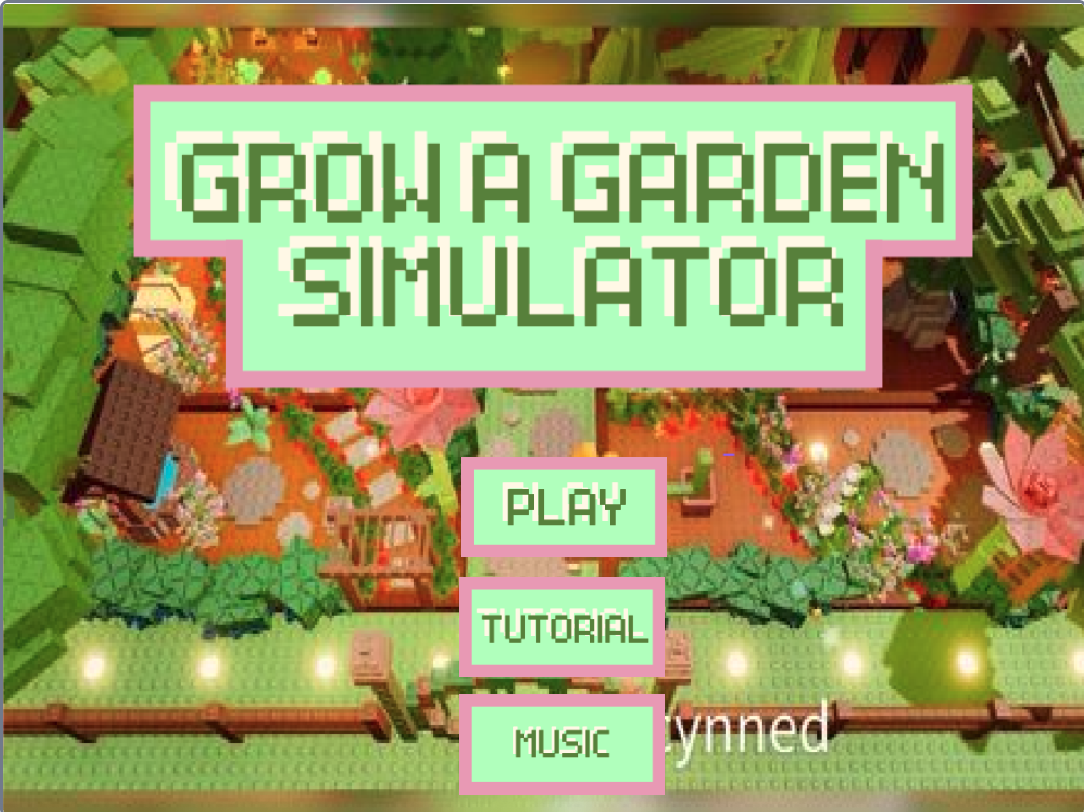
Built by a Hackingtons student
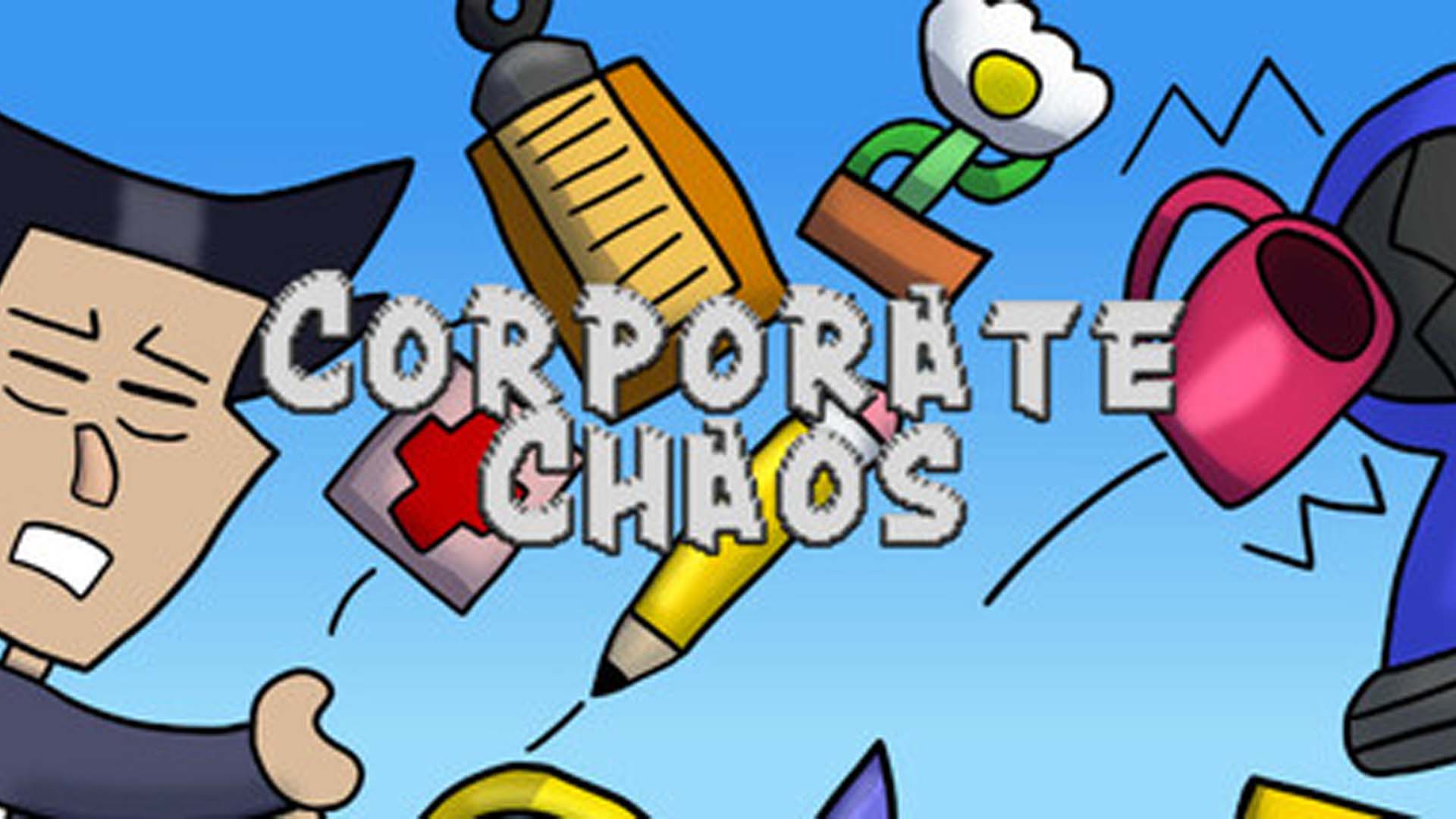
Shipped to Steam by Hackingtons students · Unity, C#
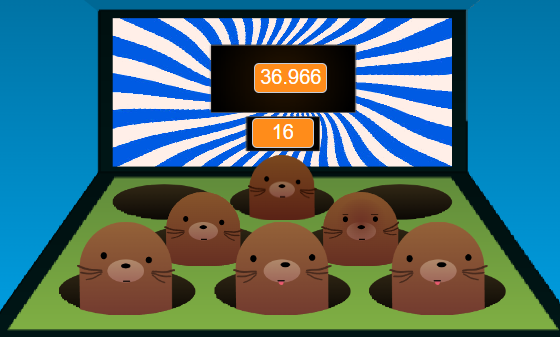
Built by Anna · Scratch
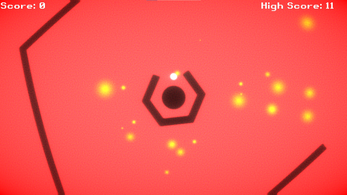
Built by Cian · Unity, C#
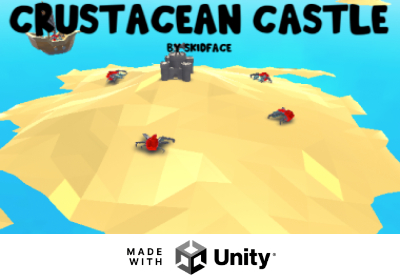
Built by a Hackingtons student · Unity
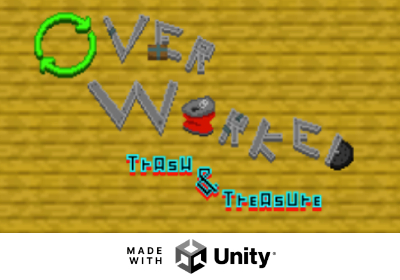
Built by a Hackingtons student · Unity
The part parents did not expect
“I met my best friend here.”
Kids come for the games. They stay because a room full of people care about the same weird thing they do. Same faces every week, playing each other's work.
Hackingtons brings people together over coding with funny and inspirational teachers…
Celia, age 11 · Hackingtons student
My kid finally found friends who like the same things.
Hackingtons parent
For parents
The practical answers
No sales call required. Here is everything you would ask on the phone.
- Ages
- 8 to 15, all abilities. Some kids are beginners, some are pros, and everyone is supportive.
- Class length
- 70 minutes, once a week, same day and time.
- Tuition
- $140 a month for one class a week. $260 for two siblings. No contract, just two weeks’ notice to cancel.
- Class size
- Six kids per instructor. Small enough that nobody sits with their hand up waiting.
- Tools
- Scratch, JavaScript, and Python for the basics. Then Unity with C#, Construct 3, and Godot.
- Staff
- Computer science graduates and industry professionals.
- What to bring
- Nothing. Use one of our MacBooks, or bring your own laptop if your kid prefers it.
- Enrolling
- Same as any Hackingtons class. Try a free trial first, then pick a plan and pay online. Classes run year round, so you can start any week.
Questions we get every week
Locations
Four locations, plus online
Four in-person studios in California and a live online option, so distance is not the reason your kid misses out.