Hackingtons Parent Lesson

Teach your child to code in Python

Python is one of the most popular languages for AI and beginner programming. Below is a super-easy way to help introduce it to your child.

Ages 8–12 Print • Variables • Input • Math
Lesson illustration

Lesson 1: Make the Computer Talk

Coding is telling a computer what to do. Computers are very smart, but they only follow clear instructions.

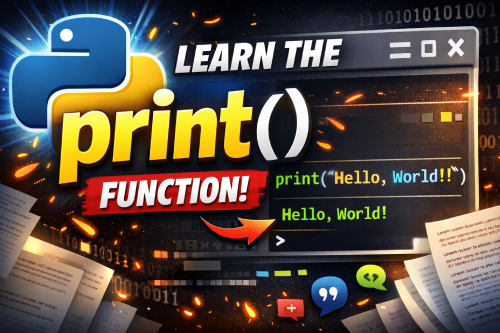
We use the print() command to make the computer show words on the screen.

print("Hello!")
Challenge: Write 3 print statements about your favorite candy.
Practice coding below:
Output will appear here…
Hint: Don't forget quotation marks!
Lesson illustration

Lesson 2: Variables

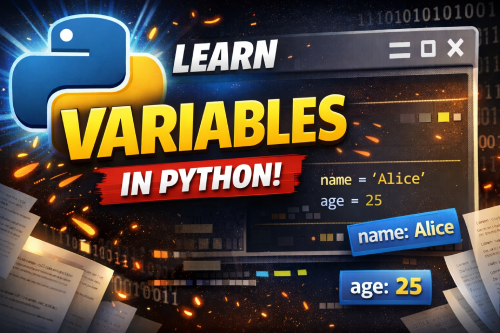
Variables are how computers remember information.

We create variables using the equals sign (=). The variable doesn't have "quotation marks" around it, but the words on the right-side do.

name = "Joe"
Pro Tip: Variables must be one word. But you can combine words using an underscore.
Example: favorite_food = "pizza"
Challenge: Make 3 variables and print their values.
Practice coding below:
Output will appear here…
Tip: If your code has an error, read the last line of the error message for clues.
Lesson illustration

Lesson 3: Asking Questions

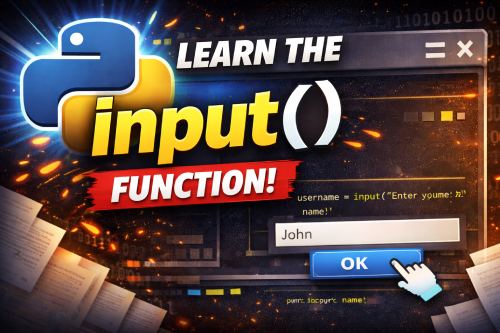
The input() command lets the computer ask the user a question.

If you use input() by itself, the computer will ask the question, but it will NOT remember the answer.

input("What is your name? ")

To save the answer, store it in a variable using (=).

name = input("What is your name? ")

We can print words and variables together using commas:

print("Hello", name)
Pro Tip: The comma tells Python to print the variable's value after the word "Hello".
Challenge: Ask the user a question and then print a response.
Practice coding below:
Output will appear here…
Tip: study the example and then erase it.
Lesson illustration

Lesson 4: Numbers

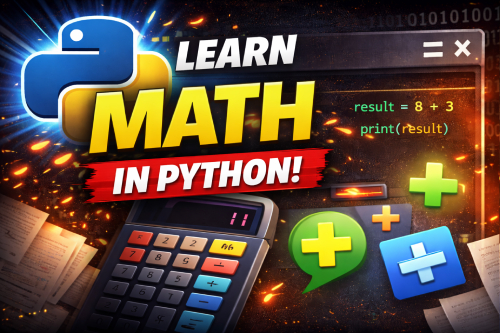
Numbers don't need quotation marks.

age = 10

Python is really great at math!

print(age + 1)
Challenge: Add(+), Subtract(-), Multiply(*), and Divide (/)
Practice coding below:
Output will appear here…
Tip: erase the examples and make your own