


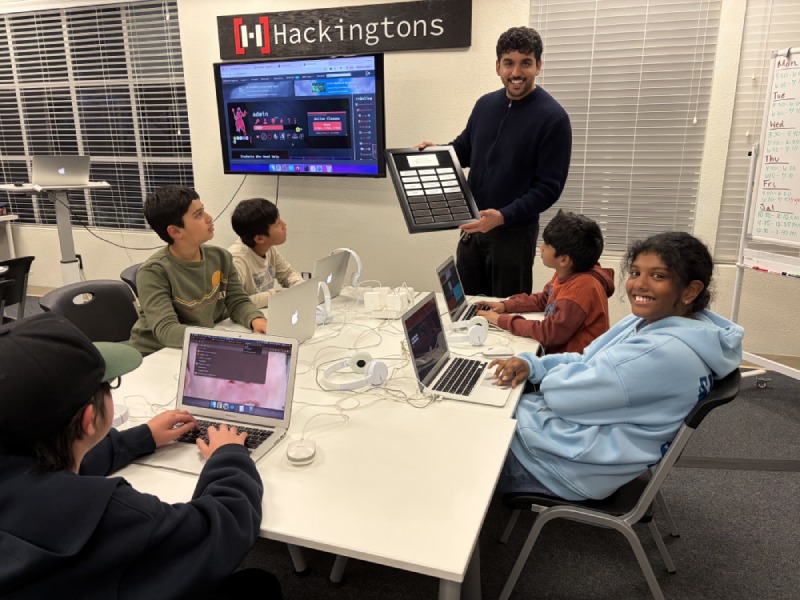
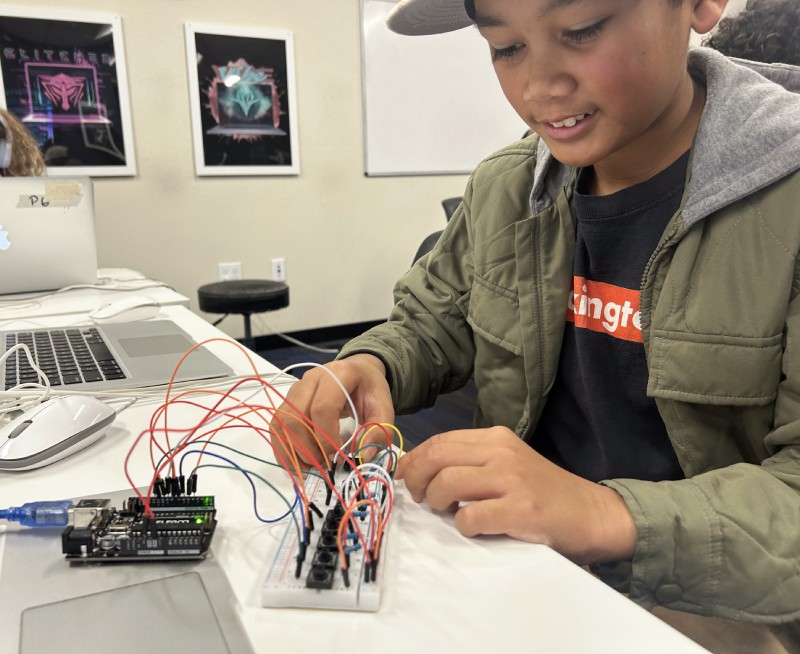
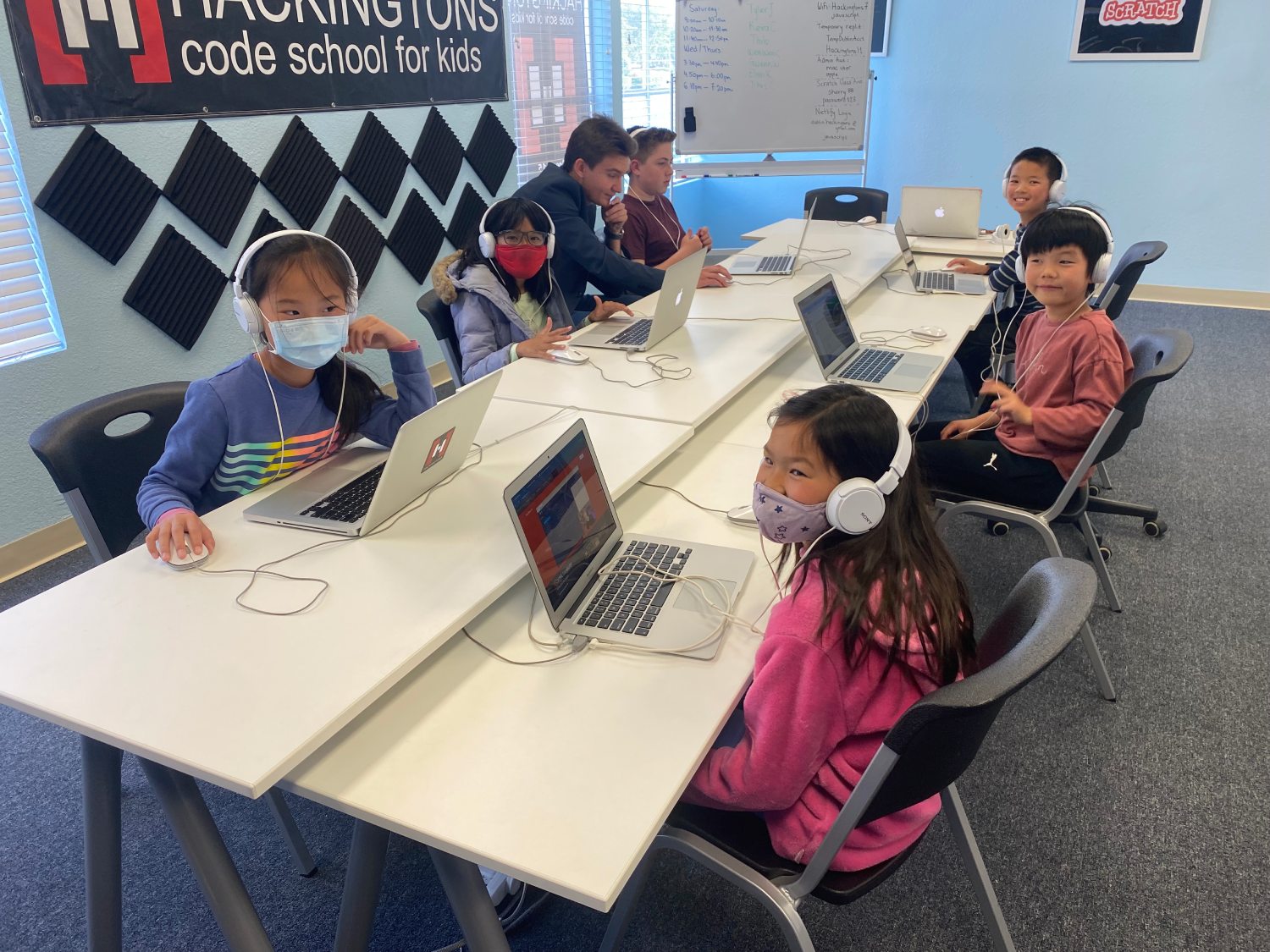


Kids build games, apps, and websites with real AI inside.

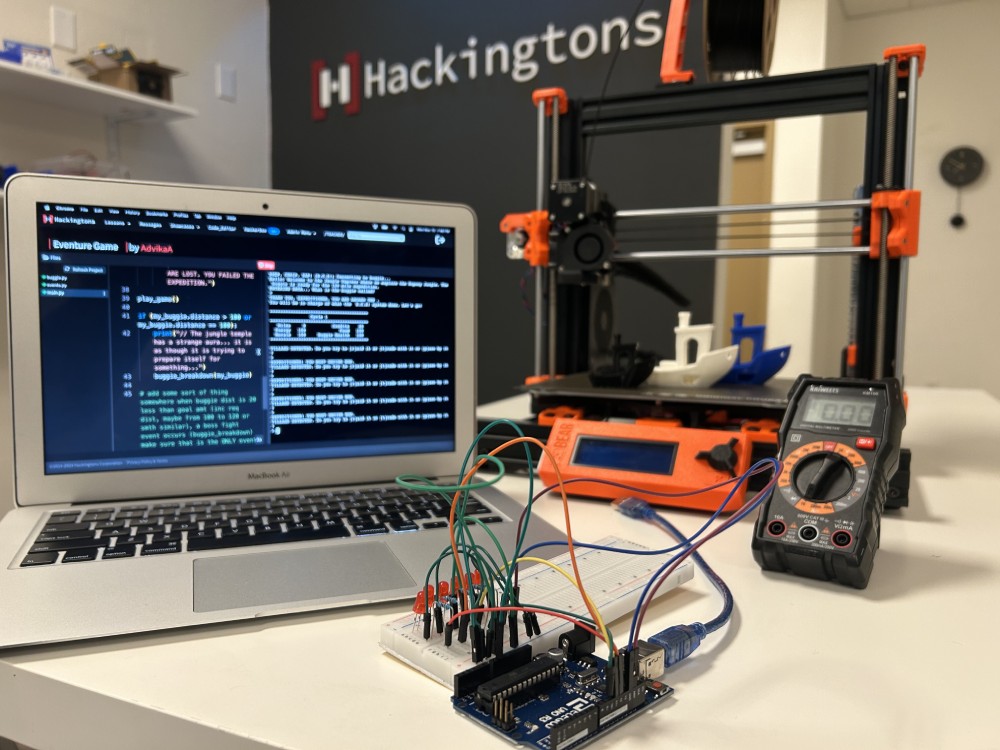
Hackingtons after-school coding classes teach kids to integrate Claude AI into their own projects, the same way real developers build software today.
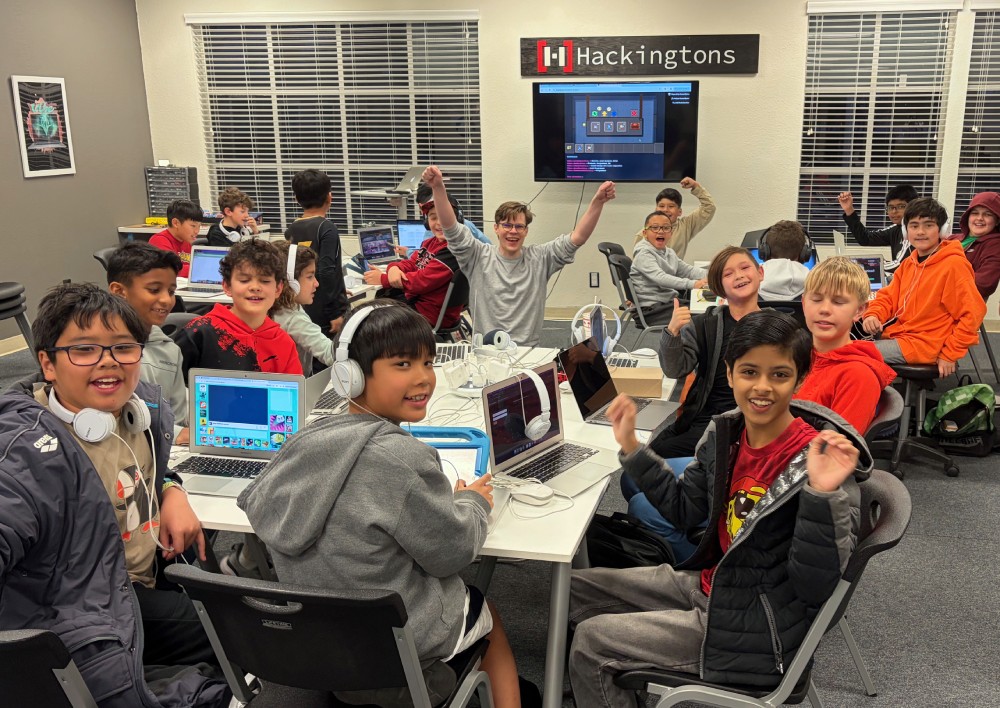
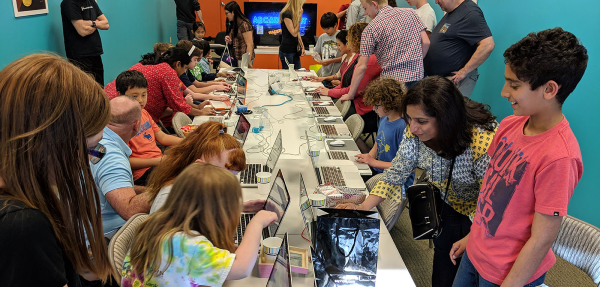
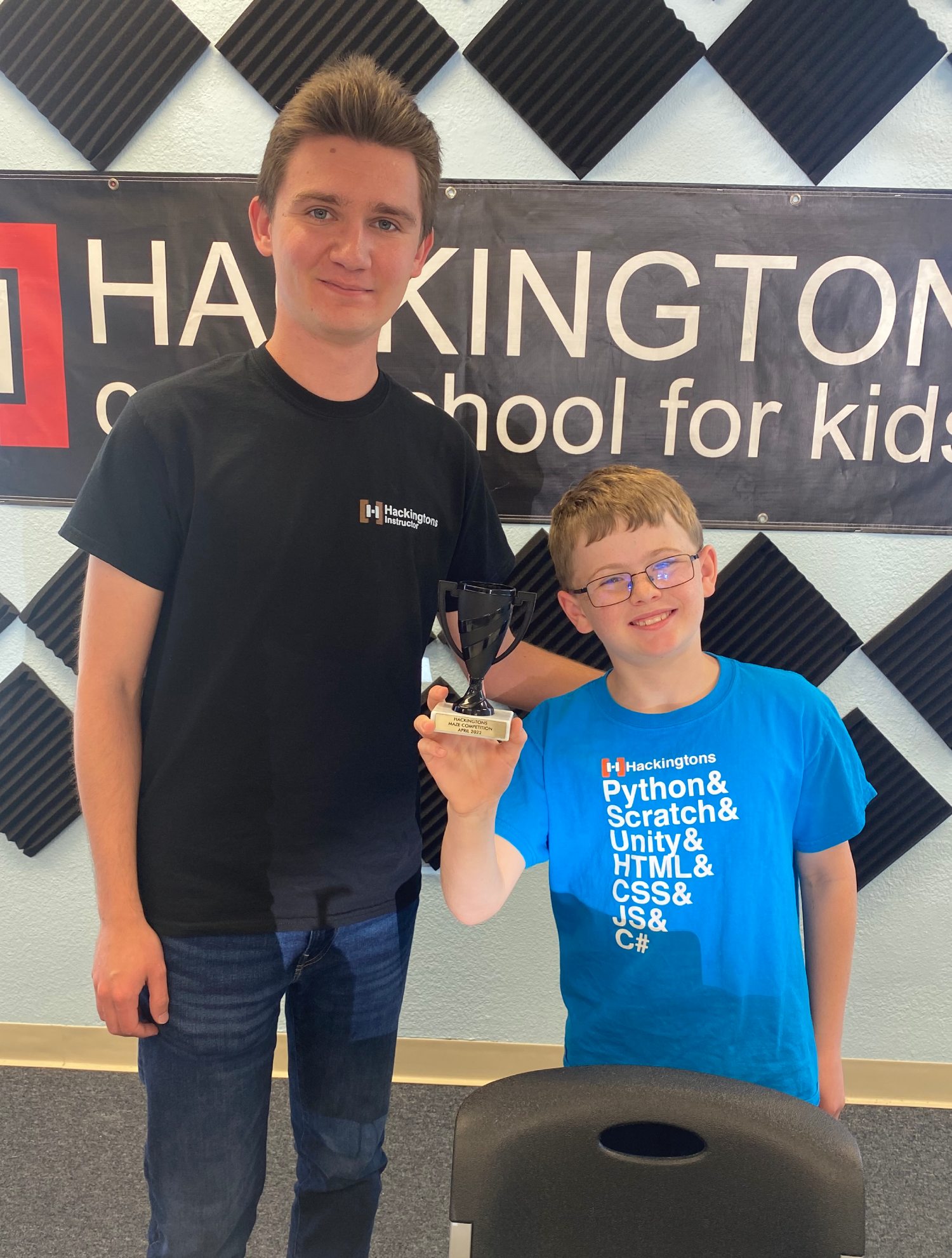
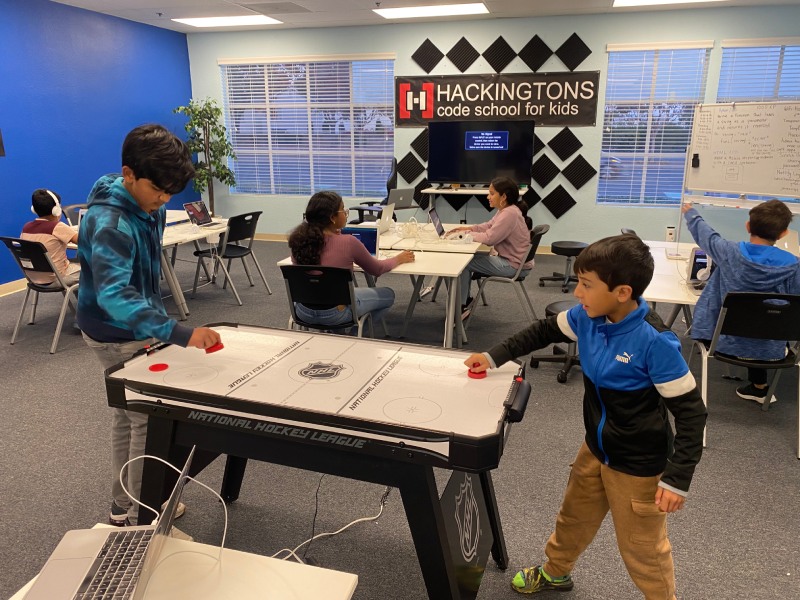
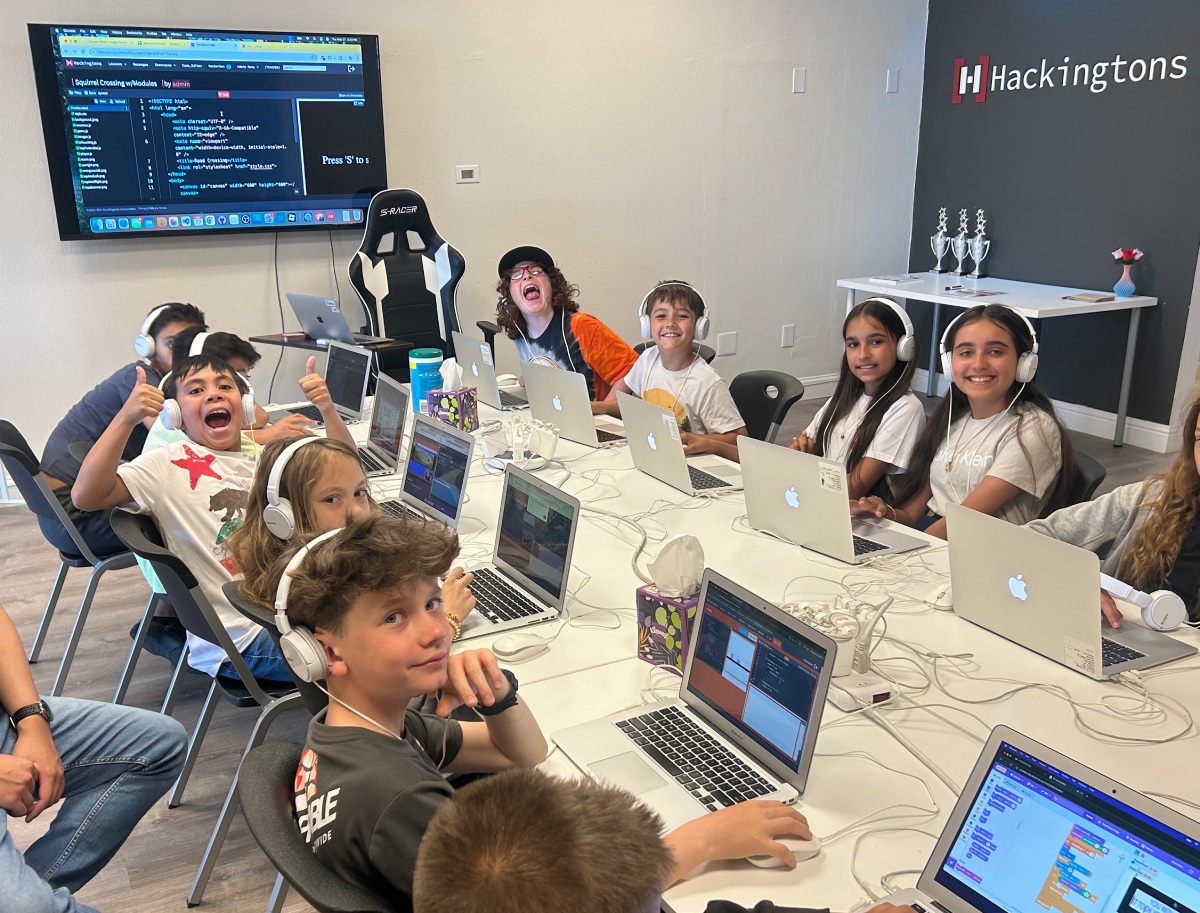
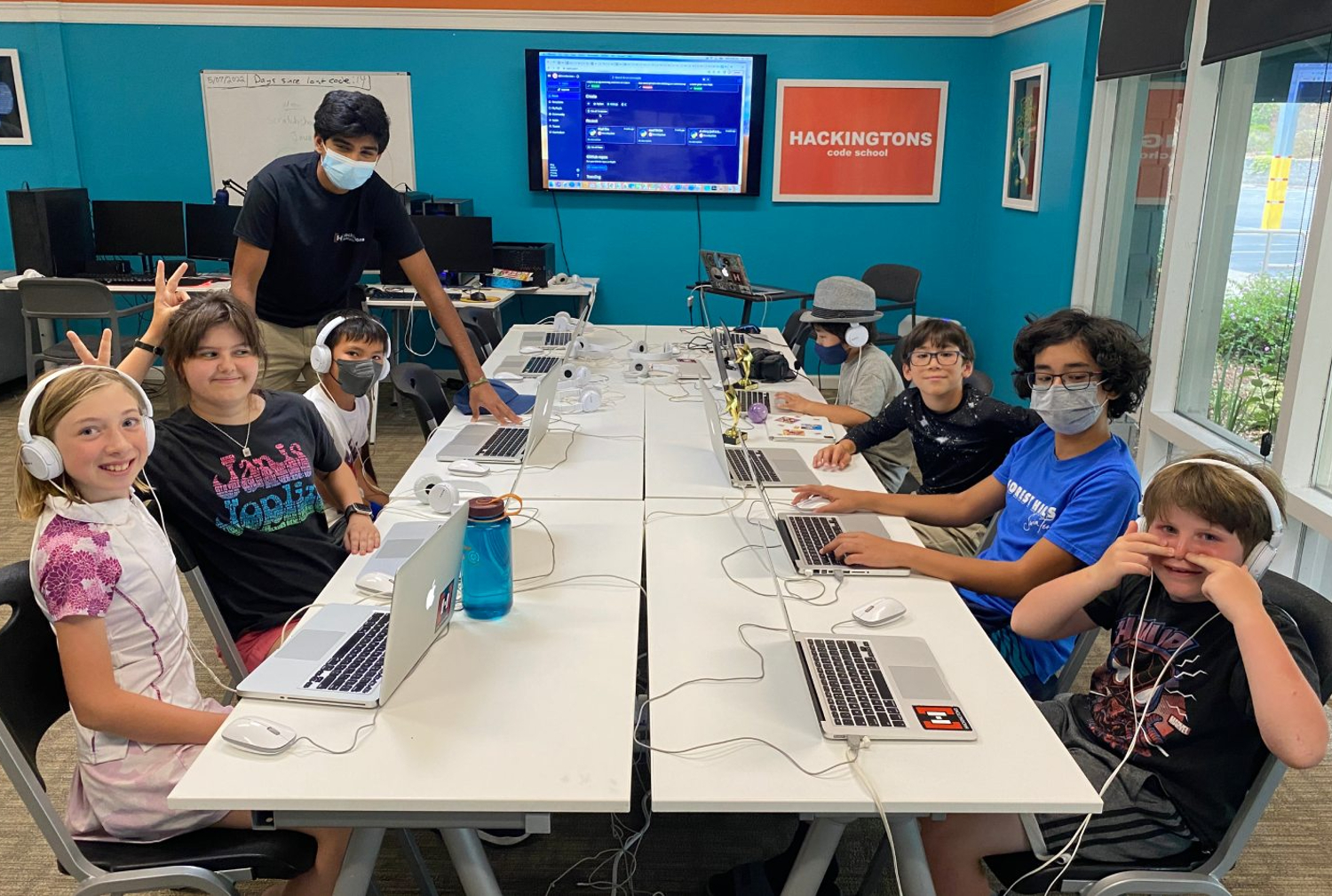
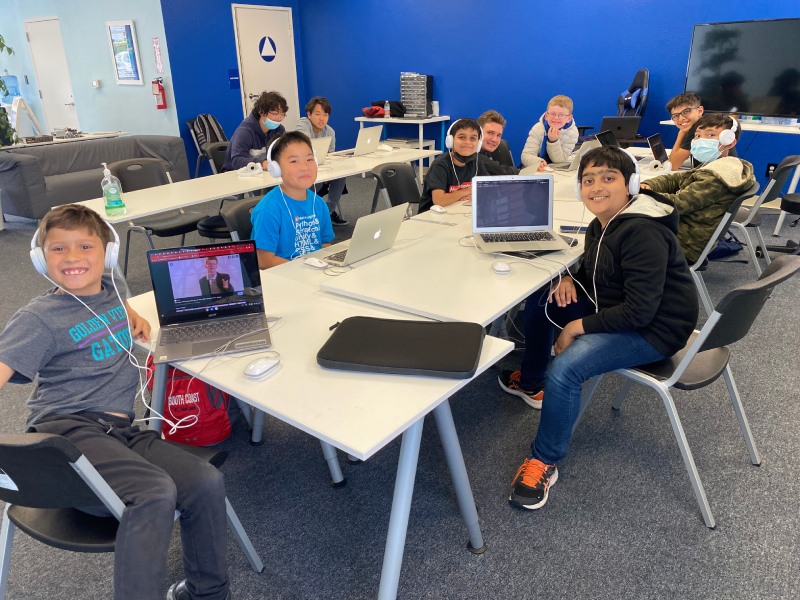
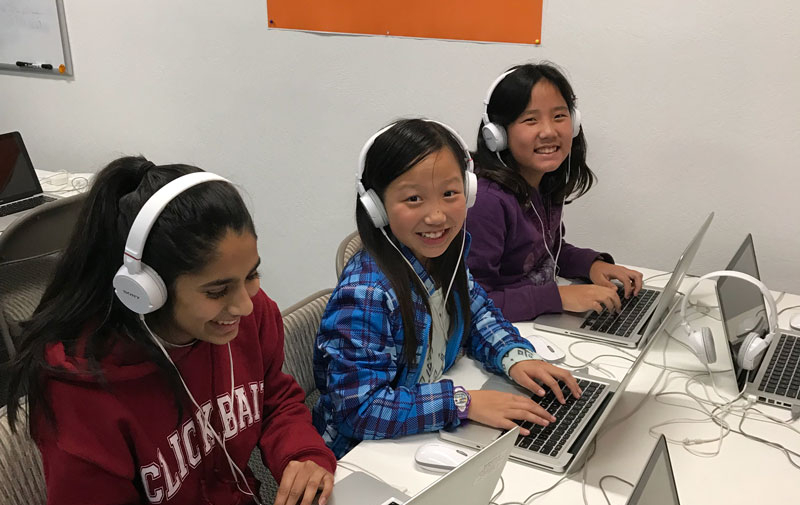
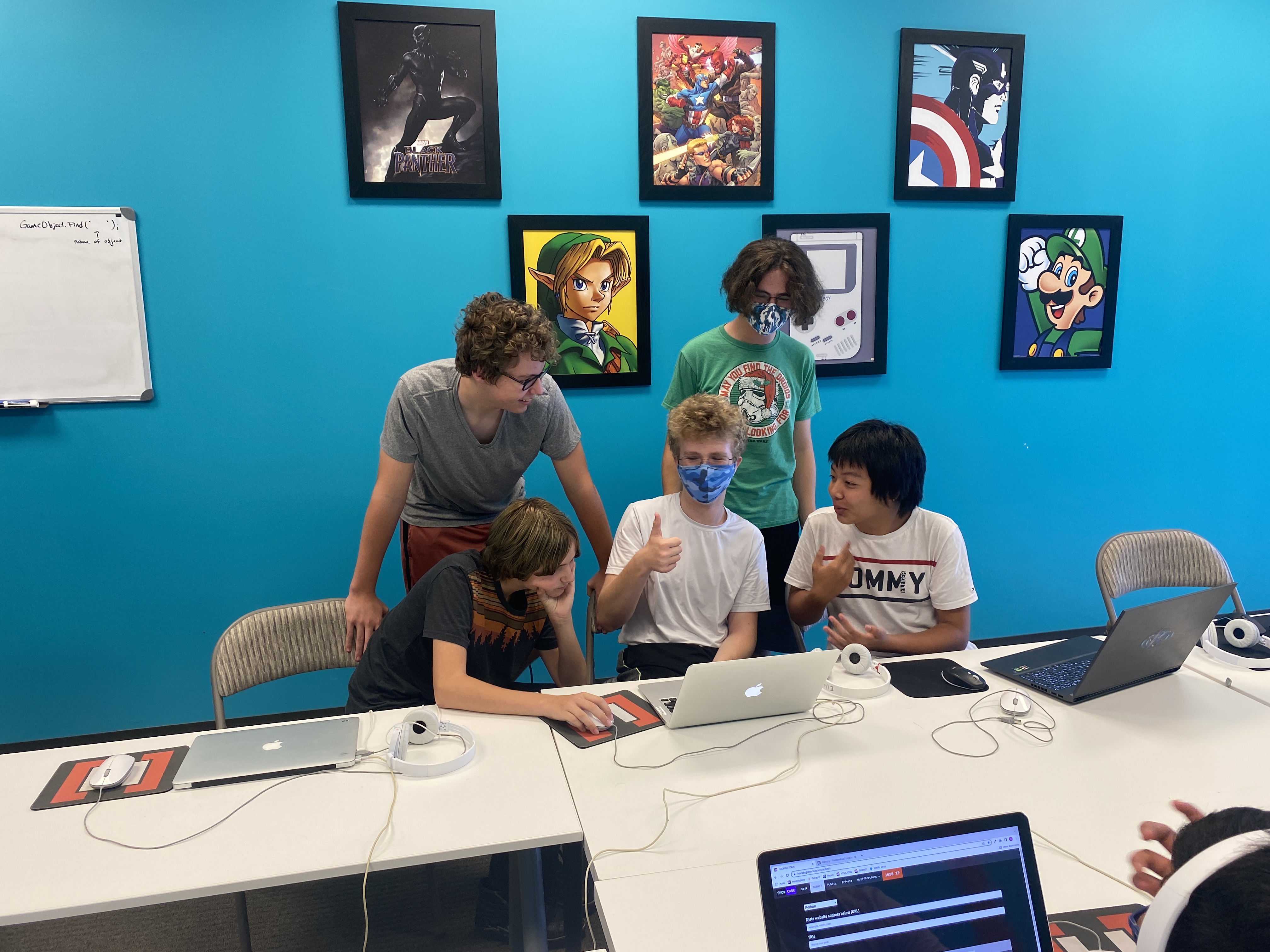
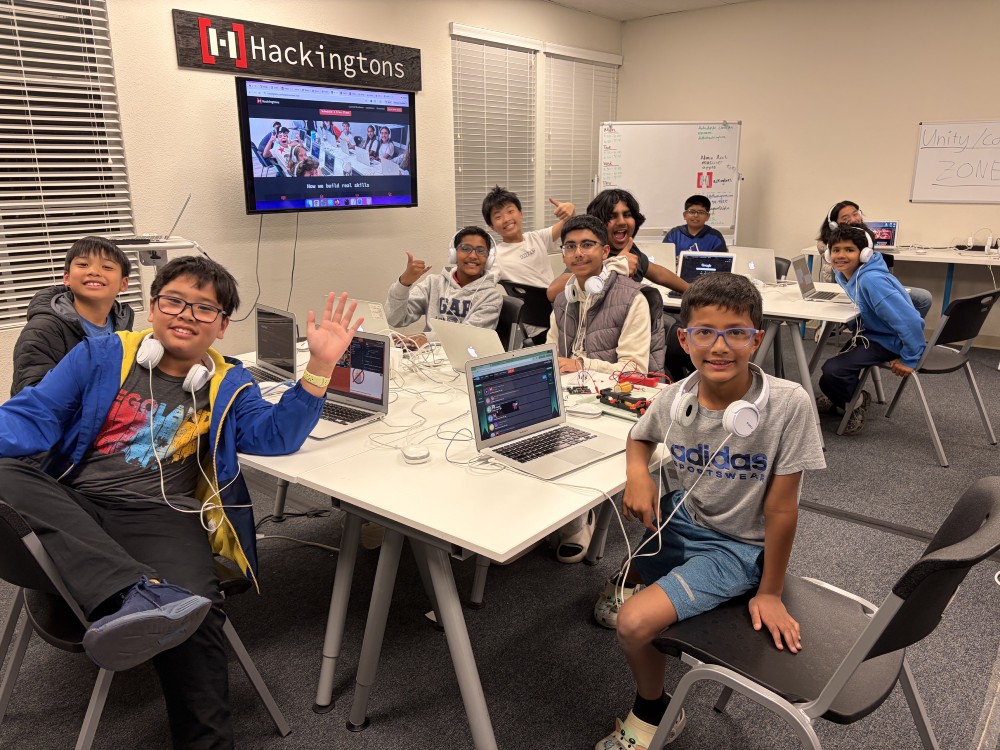
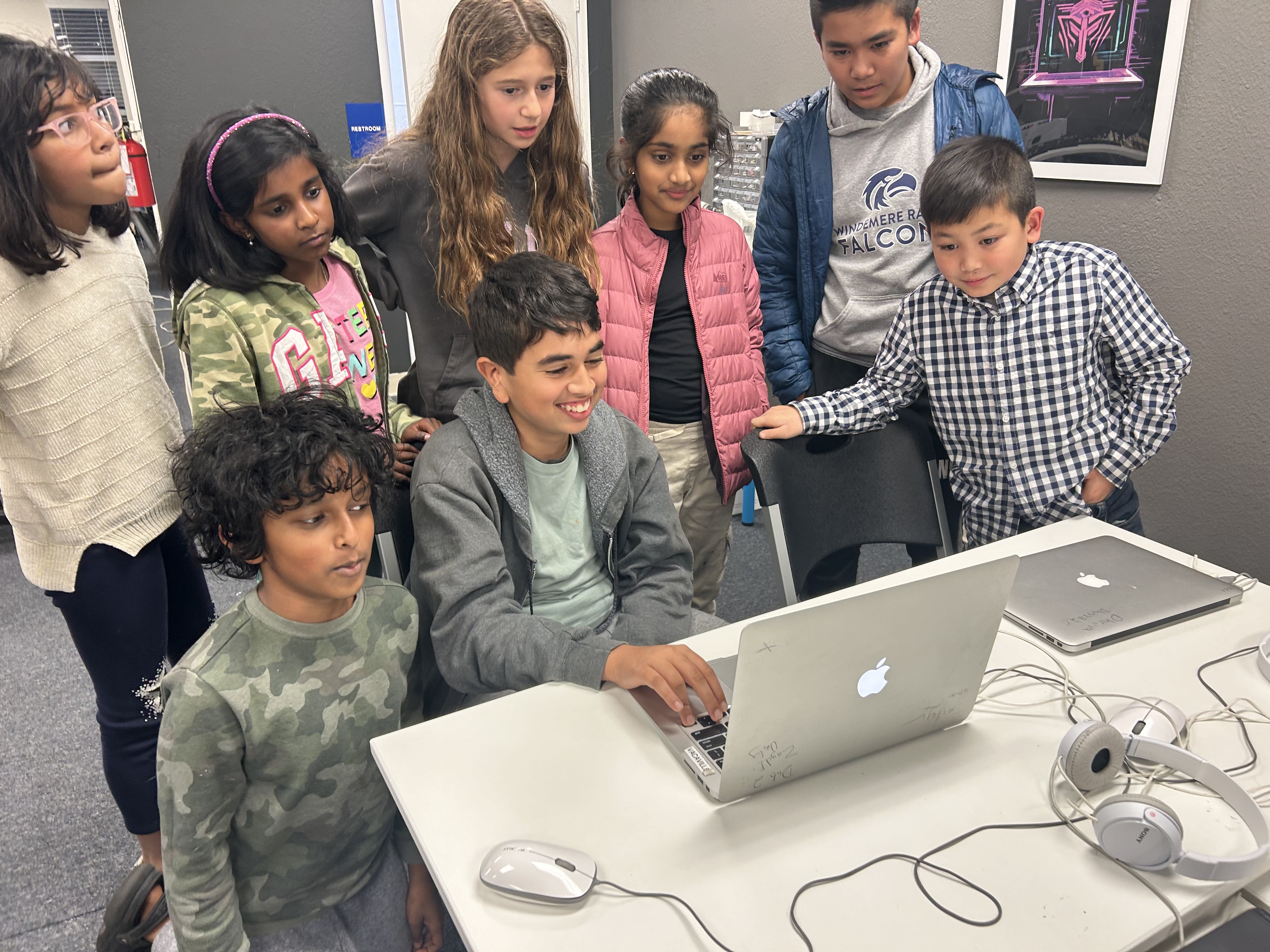
Kids at Hackingtons Dublin

Take a free trial at a location near you

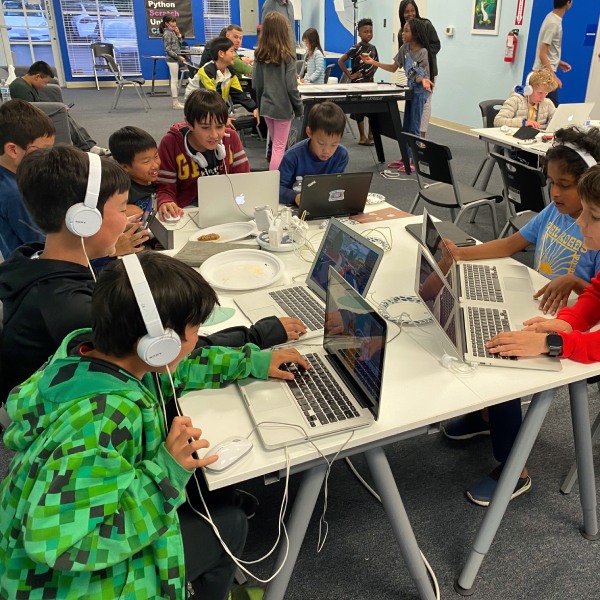
Kids at Hackingtons Dublin

The path from zero to AI builder

Every Hackingtons student starts with the basics and earns their way to AI. No shortcuts, no skipping steps.

Scratch
Step 1
Programming Basics
Students learn how code thinks: loops, logic, events, and sequences, using Scratch's visual blocks. No typing required. Just building.
Python
Step 2
Typing Real Code
Students move into real syntax: Python, JavaScript, and HTML/CSS. They build games, scripts, and websites by writing actual code from scratch.
Claude
Step 3
AI Integration
With a coding foundation in place, students learn prompt engineering as a skill, then go further, calling the Claude AI API directly from their own programs.
🚀
The Goal
Build Real Tools
Students ship AI-powered tools they actually use: games with intelligent NPCs, apps that think, and software good enough to show the world.

No experience needed to start  ·  No ceiling on where they can go  ·  No shortcuts that leave gaps.

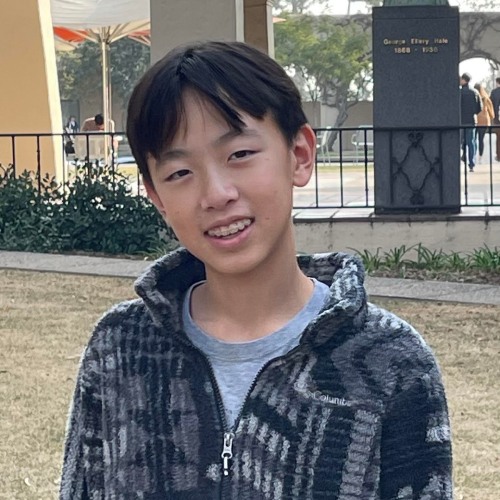
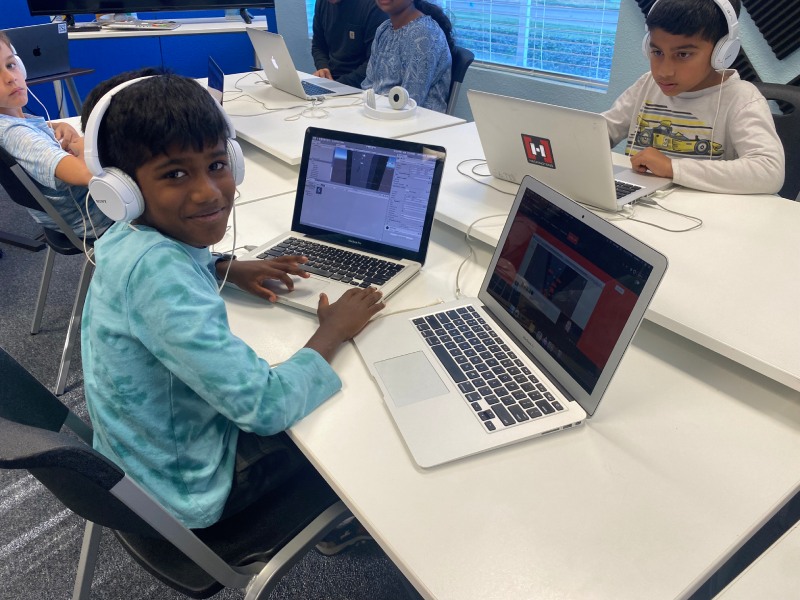
Students at Hackingtons Brentwood

Today's developers connect apps to AI.
Your child can too.

Every serious product being built today has AI wired into it. The developers doing that aren't typing prompts; they're writing code that calls AI APIs and integrate the responses into real software. That's what we teach.

We make it safe.

🔒
Content filtered. Every message passes through a child-safety layer. Mature topics and off-topic requests are blocked before they reach the AI.
🔑
We own the connection. Kids never call Claude directly. All requests route through Hackingtons' own AI system. Students build with AI without ever holding an Anthropic API key.
Try a Free Class →

This is what an API call to Claude looks like

hello_claude.py
import anthropic
client = anthropic.Anthropic()
message = client.messages.create(
model="claude-haiku-4-5",
max_tokens=256,
messages=[{"role": "user",
"content": "Tell me a joke!"}]
)
print(message.content[0].text)

Examples of Projects with Built-In AI

An AI-powered app responds to each user differently. Instead of fixed answers, it thinks, adapts, and makes every interaction unique.

What your child can build (beginner to advanced)

Example web and Python projects, organized from beginner to advanced. These represent the kinds of things students work toward in class.

🌐  Web Projects  HTML · CSS · JavaScript +
Beginner
  • Joke ButtonPress a button to display a random joke from a built-in list
  • Magic 8-BallClick to reveal a random mystical prediction with a CSS flip animation
  • Color MixerDrag RGB sliders to mix a color and see the live hex code update
  • Tip CalculatorEnter a bill and tip % to calculate how much each person owes
  • Countdown TimerSet any time, watch the animated countdown, trigger an alert
  • Personal HomepageA styled page with a bio, photo, and links — your corner of the internet
  • Guess the NumberComputer picks 1–100; get hot/cold hints until you nail it
  • To-Do ListAdd tasks, check them off, delete them — with smooth animations
  • Random Name PickerEnter a list of names and randomly pick one winner
  • Flashcard FlipperClick a card to flip between question and answer
Intermediate
  • PokédexSearch any Pokémon and display its stats, types, and sprite using the PokéAPI
  • Weather DashboardEnter any city to fetch real current weather via a public API
  • Memory Card GameFlip tiles to find matching pairs before the timer runs out
  • Typing Speed TestMeasure your WPM and accuracy against a timed paragraph
  • Drawing CanvasA paint app with color picker, brush sizes, and a clear button
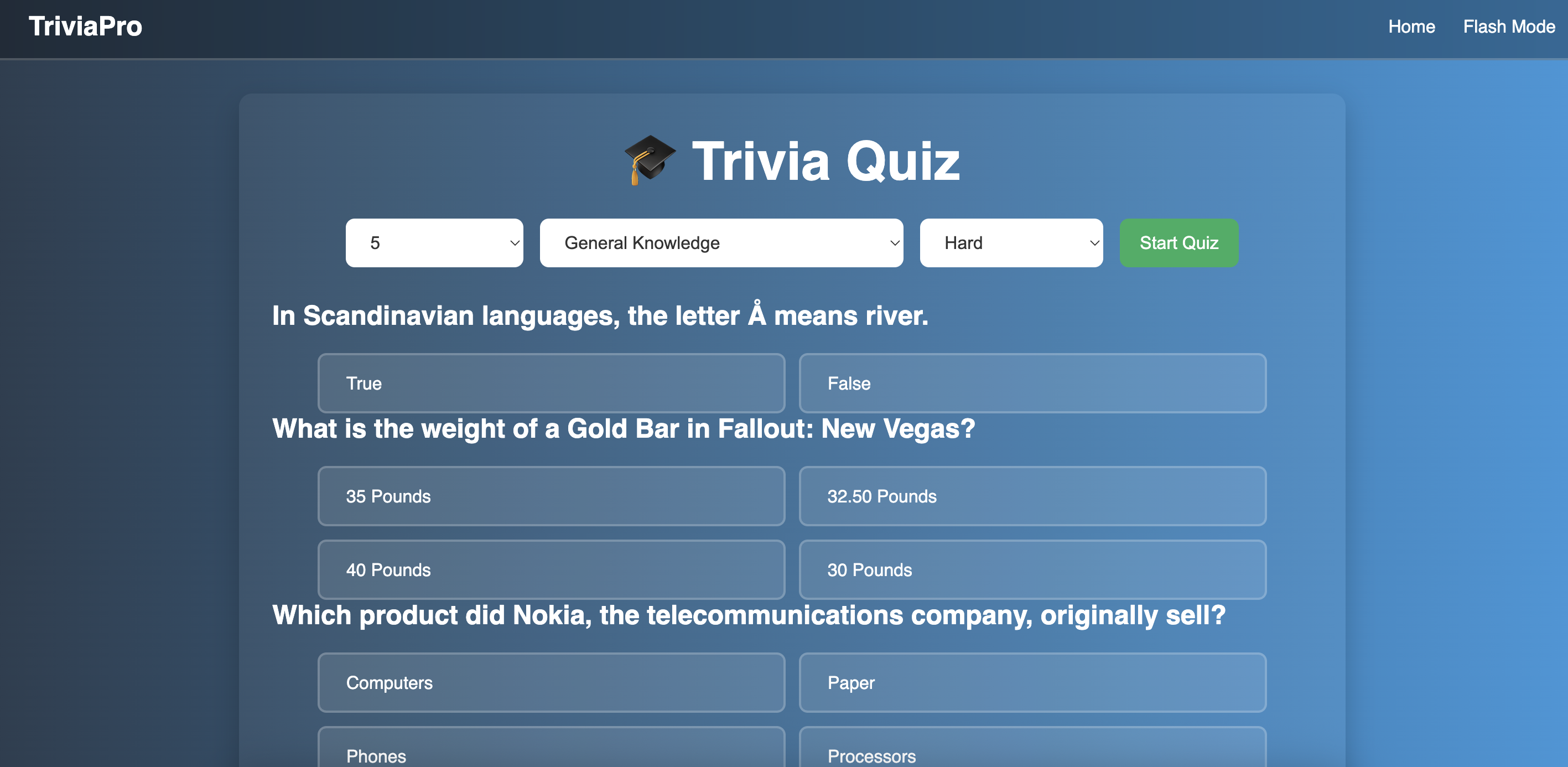
  • Trivia QuizMulti-round quiz with score tracking and an end-of-game results screen
  • Budget TrackerLog income and expenses and display a running balance chart
  • Recipe FinderSearch by ingredient and display results as styled recipe cards
  • Starfield AnimationCanvas animation where stars rush toward you in simulated 3D space
  • Word Definition LookupType any word to fetch its dictionary definition and pronunciation
Advanced
  • Banana Joke MachineAn AI bot with a locked system prompt — first taste of calling the Claude API
  • Minecraft Recipe GuideType any item; AI returns ingredients and a 3×3 crafting grid rendered live from JSON
  • Shape Shifter QuizKahoot-style quiz where the AI writes the questions and XP levels up a morphing polygon
  • AI ChatbotMulti-turn chat with personality, message history, and a typing animation
  • Physics SandboxCanvas simulation with gravity, bouncing balls, and mouse-drag interaction
  • Pixel Art EditorGrid-based drawing tool with a color palette and export-to-PNG
  • Infinite RunnerSide-scrolling game with procedurally generated obstacles and high score
  • AI Code ExplainerPaste any code snippet; AI explains what it does in plain English
  • Live Data DashboardPull data from a public API and display animated, auto-refreshing charts
  • AI Recipe CreatorDescribe what's in your fridge; AI writes a full recipe with steps
🐍  Python Projects +
Beginner
  • Mad LibsPrompt the user for words, then drop them into a funny story template
  • Rock Paper ScissorsPlay against the computer with win/loss/tie tracking over multiple rounds
  • Number Guessing GameComputer picks a secret number; get higher/lower clues until you find it
  • Simple CalculatorMenu-driven calculator for +, −, ×, ÷ that loops until the user quits
  • Password GeneratorBuild random passwords with options for length, numbers, and symbols
  • Unit ConverterConvert between miles/km, Celsius/Fahrenheit, and kg/lbs
  • Dice RollerRoll any number of any-sided dice and display each result and the total
  • Grade CalculatorEnter test scores and calculate the average, letter grade, and GPA
  • FizzBuzz ArtPrint number patterns, triangles, and shapes using loops and conditionals
  • Trivia GameMultiple-choice questions with a running score and a Game Over summary
Intermediate
  • HangmanFull word-guessing game with ASCII art that builds as you lose lives
  • BlackjackA complete card game with a shuffled deck, betting, and a dealer AI
  • Text AdventureA dungeon RPG with rooms, inventory, enemies, and branching story choices
  • Wordle CloneRecreate the word game in the terminal with color-coded letter hints
  • File OrganizerAutomatically sort a messy folder by moving files into subfolders by type
  • To-Do App with SaveCommand-line task manager that writes tasks to a file so they persist
  • Weather CLIFetch and display real-time weather for any city using a public API
  • Web ScraperPull headlines or prices from a website and export them to a CSV
  • Turtle Geometric ArtDraw spirographs, fractals, and star patterns using Python's Turtle library
  • Bank Account SimulatorOOP-based account system with deposits, withdrawals, and transaction history
Advanced
  • Pygame PlatformerSide-scrolling jump game with sprite animation, gravity, and tile collision
  • AI Chat CLIA full command-line chatbot powered by the Claude API with conversation memory
  • Data VisualizerRead a CSV and produce bar charts, pie charts, and trend lines with matplotlib
  • Image Filter AppApply grayscale, blur, and sepia filters to photos using the Pillow library
  • Discord BotA bot that responds to commands, tells jokes, and runs mini-games in Discord
  • Flask Web AppBuild a multi-page website with Python on the backend and a SQLite database
  • Pygame Tower DefensePlace towers to stop waves of enemies using a grid map and basic pathfinding
  • AI Story WriterSend a prompt to the Claude API and auto-save the generated story to a file
  • Sorting Algorithm VisualizerWatch bubble sort, merge sort, and quicksort animate in real time with Pygame
  • Database Address BookStore, search, update, and delete contacts using Python and SQLite

Life at Hackingtons

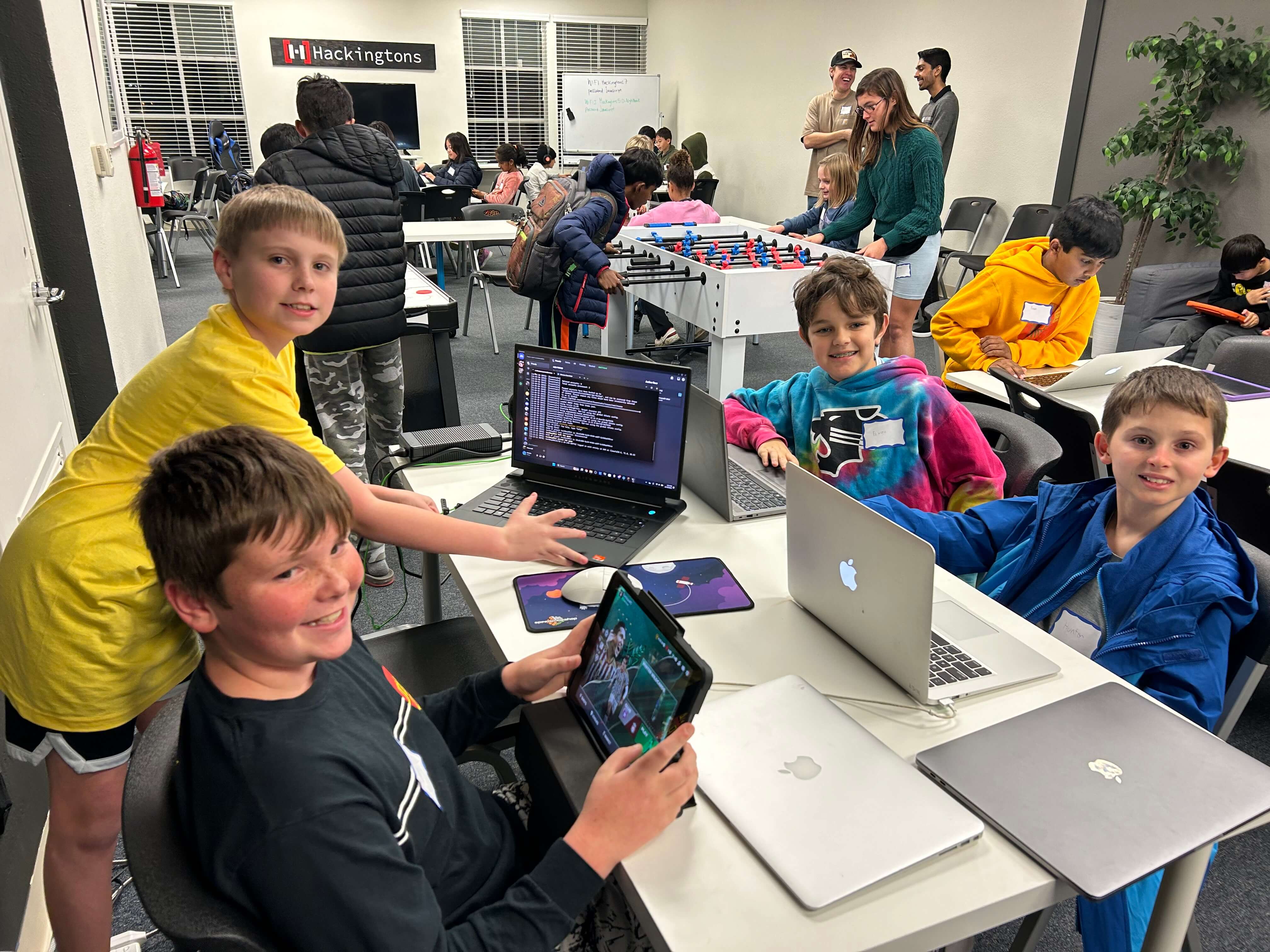
Hackingtons Brentwood Dublin coding class Kids coding Pleasant Hill Teacher and student Dublin class Brentwood class photo Pleasant Hill students Dublin coding class Girls coding at Dublin Rocklin campus Dublin 2026 Engineering at Hackingtons Dublin group 2024 Dublin class Dublin boys 2024 Dublin 2026 Student engineering Dublin classroom Hackingtons Brentwood Dublin coding class Kids coding Pleasant Hill Teacher and student Dublin class Brentwood class photo Pleasant Hill students Dublin coding class Girls coding at Dublin Rocklin campus Dublin 2026 Engineering at Hackingtons Dublin group 2024 Dublin class Dublin boys 2024 Dublin 2026 Student engineering Dublin classroom

Kids love us

“Hackingtons brings people together over coding with funny and inspirational teachers...”

Celia, age 11

“I've attended many coding programs, but only Hackingtons focused on building practical applications for the real world.”

Yaroslav, age 15

Featured project

Steam logo
Corporate Chaos game cover built by Hackingtons Game Dev Team

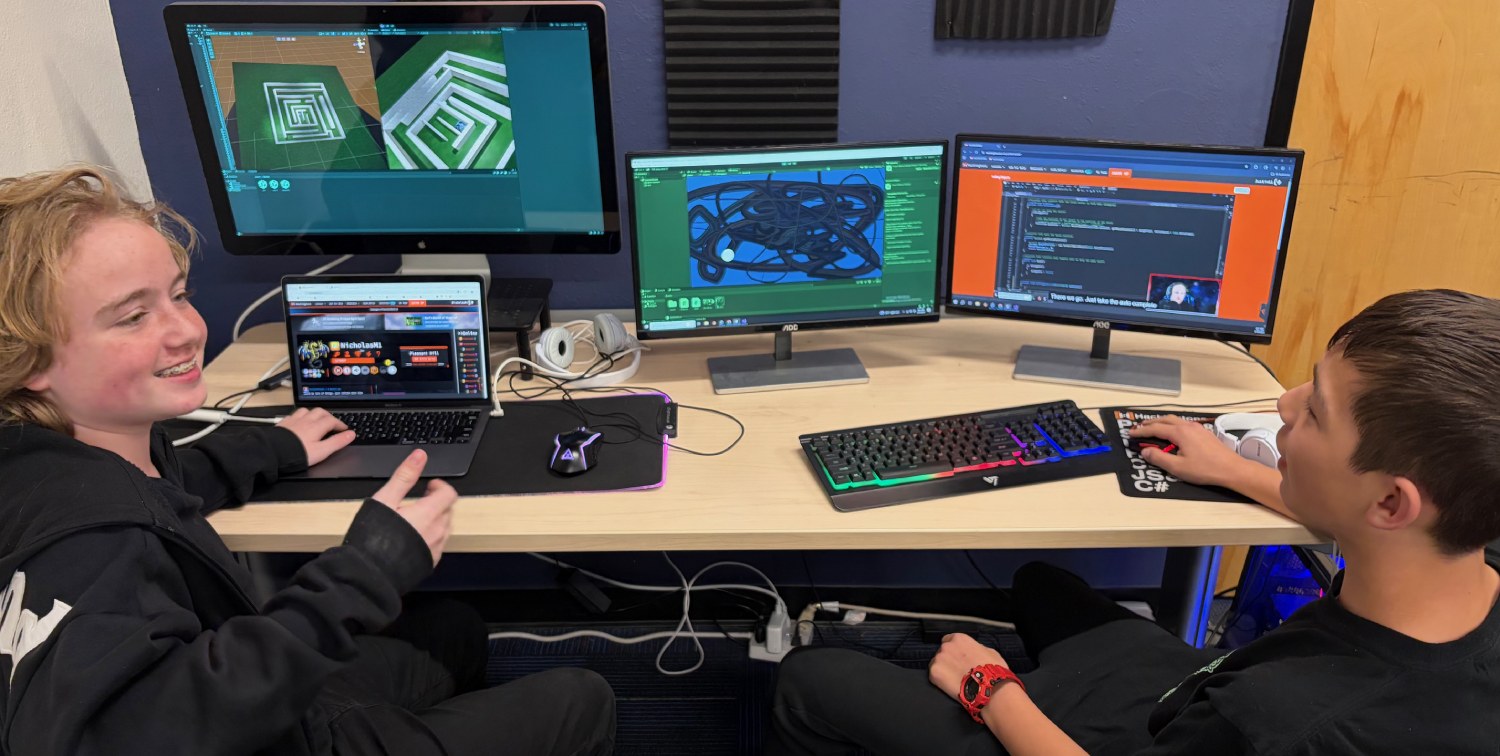
Under the mentorship of Teacher Andrew, our Game Dev Team built an original Unity3D game and released it on Steam.

View on Steam
Family Events

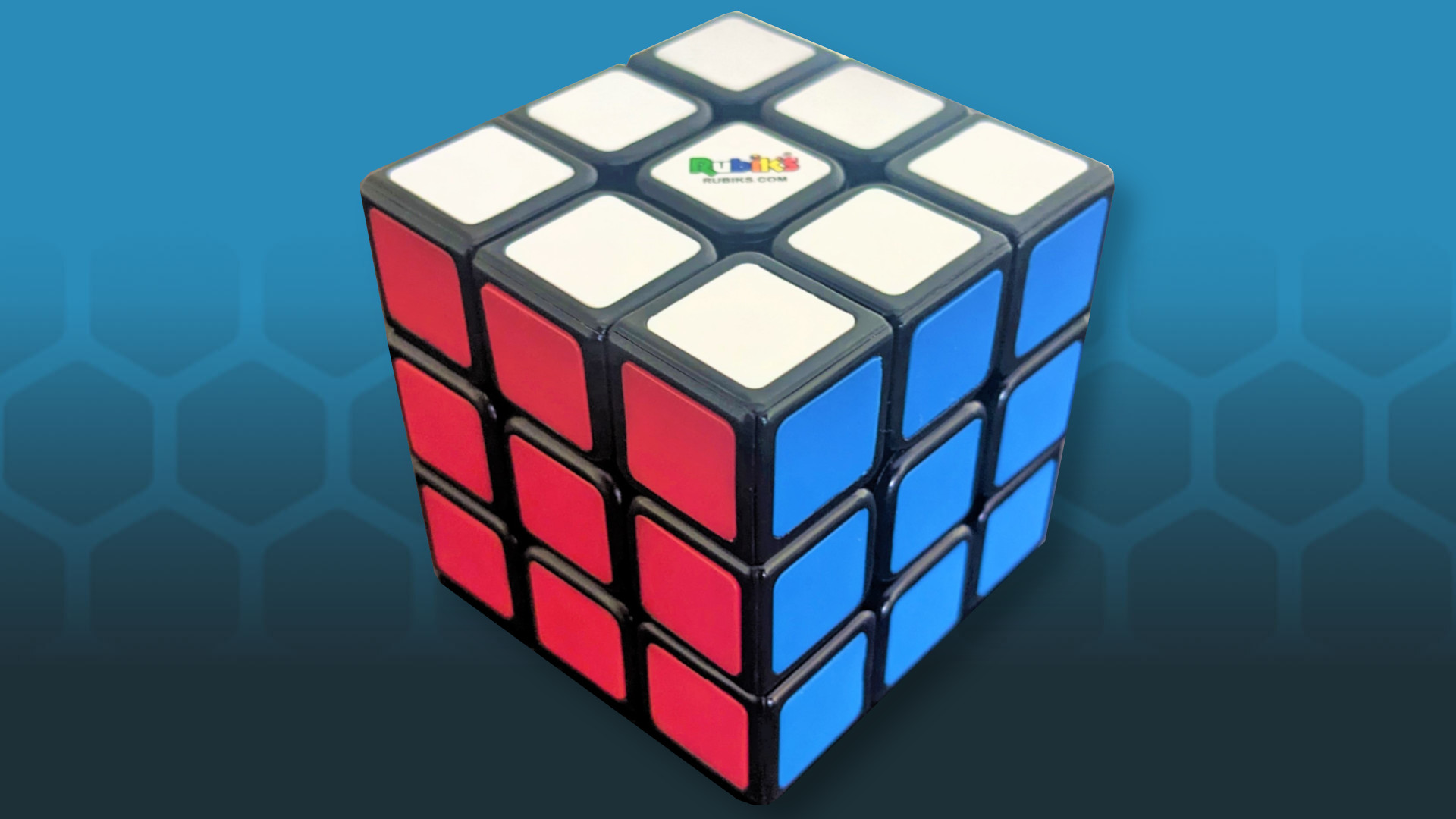
Speed Cubing Competition at Hackingtons

Speed Cubing Competition

Learn to solve a Rubik’s Cube and compete for trophies
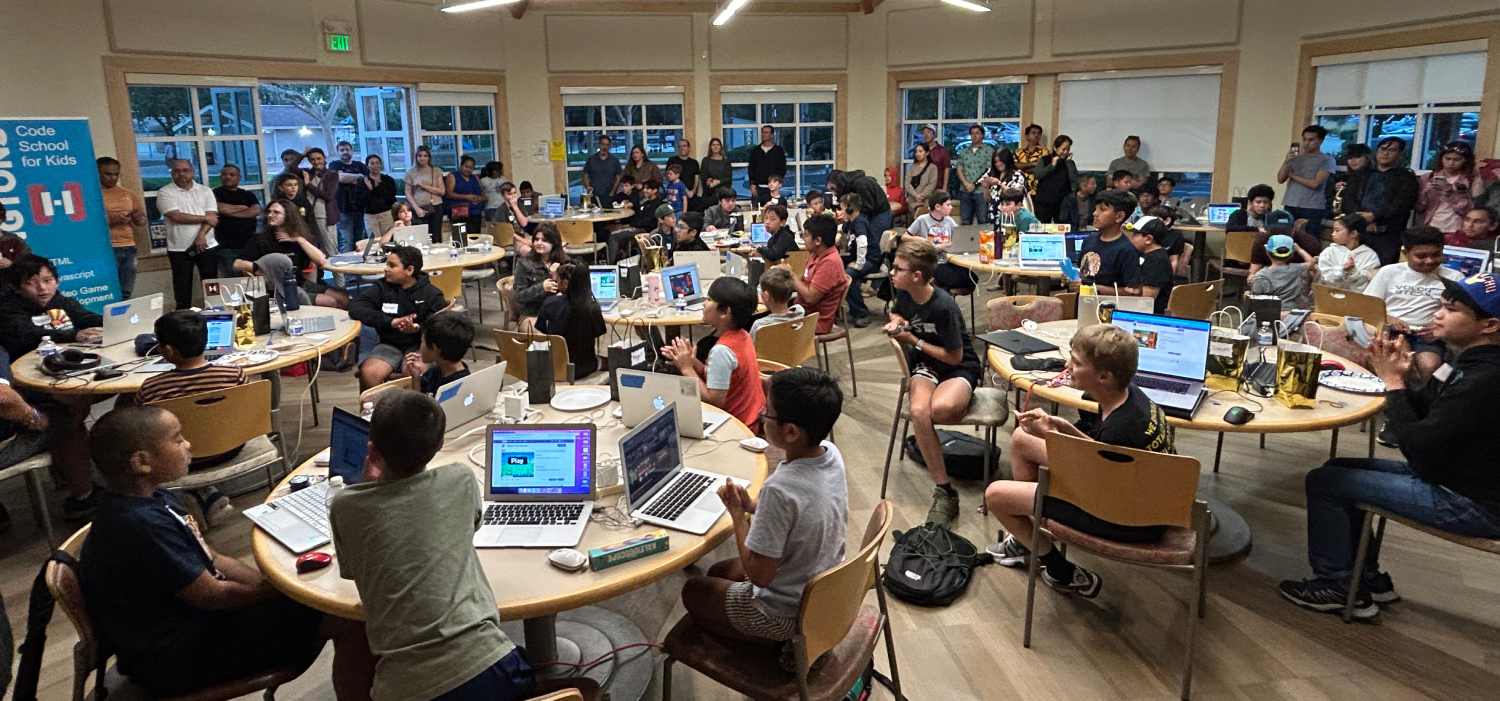
Hackingtons500 Competition

Hackingtons500 Competition

Premier West Coast Hackathon

Family Arcade Night featuring games made by kids

Family Arcade Night

Play games made by kids

Pizza Gamer Night at Hackingtons

Pizza Gamer Nights

Games, pizza, and good vibes

Frequently asked questions

Everything parents ask before their kid's first class.

What coding classes do you offer for kids? +

Hackingtons offers after-school coding classes covering Python, JavaScript, HTML/CSS, game design, and Unity game development. Students work on real projects each week and progress through a structured belt system.

What age is good to start coding classes? +

We accept students ages 8 to 16. Most kids start between 8 and 12. Our curriculum adapts to each child's level, so beginners and more experienced coders are both welcome.

Do you offer after-school coding classes? +

Yes. Hackingtons offers after-school coding classes on weekday afternoons and Saturday mornings. Classes are 70 minutes, once per week, at in-person locations across California and online.

Is there a free trial class for my child? +

Yes, your child's first class is completely free with no commitment. Book a spot here.

What can my child build in coding class? +

Students build real things: games in Unity, websites, Python scripts, apps, and more. Every student completes projects they can show friends and family.

How are Hackingtons classes different from other kids programs? +

Hackingtons focuses on real-world coding, not just puzzles or drag-and-drop blocks. Kids write actual code in Python and JavaScript, taught by passionate instructors in small groups. The culture is fun and social, more like a gaming club than a classroom.

Where are your coding class locations? +

We have in-person locations in Brentwood, Dublin, Pleasant Hill, and Rocklin, California. We also offer live online coding classes for kids anywhere in the US.

Do you offer online coding classes for kids? +

Yes. Hackingtons Online offers live, instructor-led coding classes for kids ages 8 to 16 from anywhere in the US. Small class sizes, real-time feedback, and the same curriculum as our in-person locations.

How much do kids coding classes cost? +

$140 per month for one class per week (70 minutes per session). The first class is a free trial with no commitment.

Does my child need prior coding experience to join? +

No experience needed. Complete beginners are welcome. Our belt system means every student starts at the right level and advances at their own pace.

Your kid’s next obsession
starts here.

Join hundreds of kids in Brentwood, Dublin, Pleasant Hill, Rocklin, and beyond, building real things with code and AI.

Try a Free Class →

Game Dev Team 2025

🔒 COPPA Compliance Statement

COPPA (Children's Online Privacy Protection Act) requires that websites directed at children under 13 protect their privacy and obtain verifiable parental consent before collecting personal information. Here is how Hackingtons' AI tools comply.

Parental Consent Required

AI lessons are not available to beginner-level students. Coding fundamentals must be learned first. Before any child under 13 gains access to our lessons involving AI, written consent must be attained by the parent or guardian. Students access AI features through their instructor-assigned login only.

How Our AI Works

Hackingtons uses the Claude AI API (provided by Anthropic) as part of our curriculum. All AI interactions are:

  • Routed through Hackingtons' own system — not directly to Anthropic
  • Filtered for age-appropriate content before reaching the AI
  • Not used to collect personal information from students
  • Not stored or used to train AI models

Students never create accounts with Anthropic and never hold API keys.

What the AI Cannot Do

  • Ask for or store a child's name, age, location, or school
  • Discuss mature, violent, or inappropriate topics — these are blocked by our content filter
  • Connect students with strangers or outside parties

Questions?

Contact us at [email protected] or call (888) 919-4225.