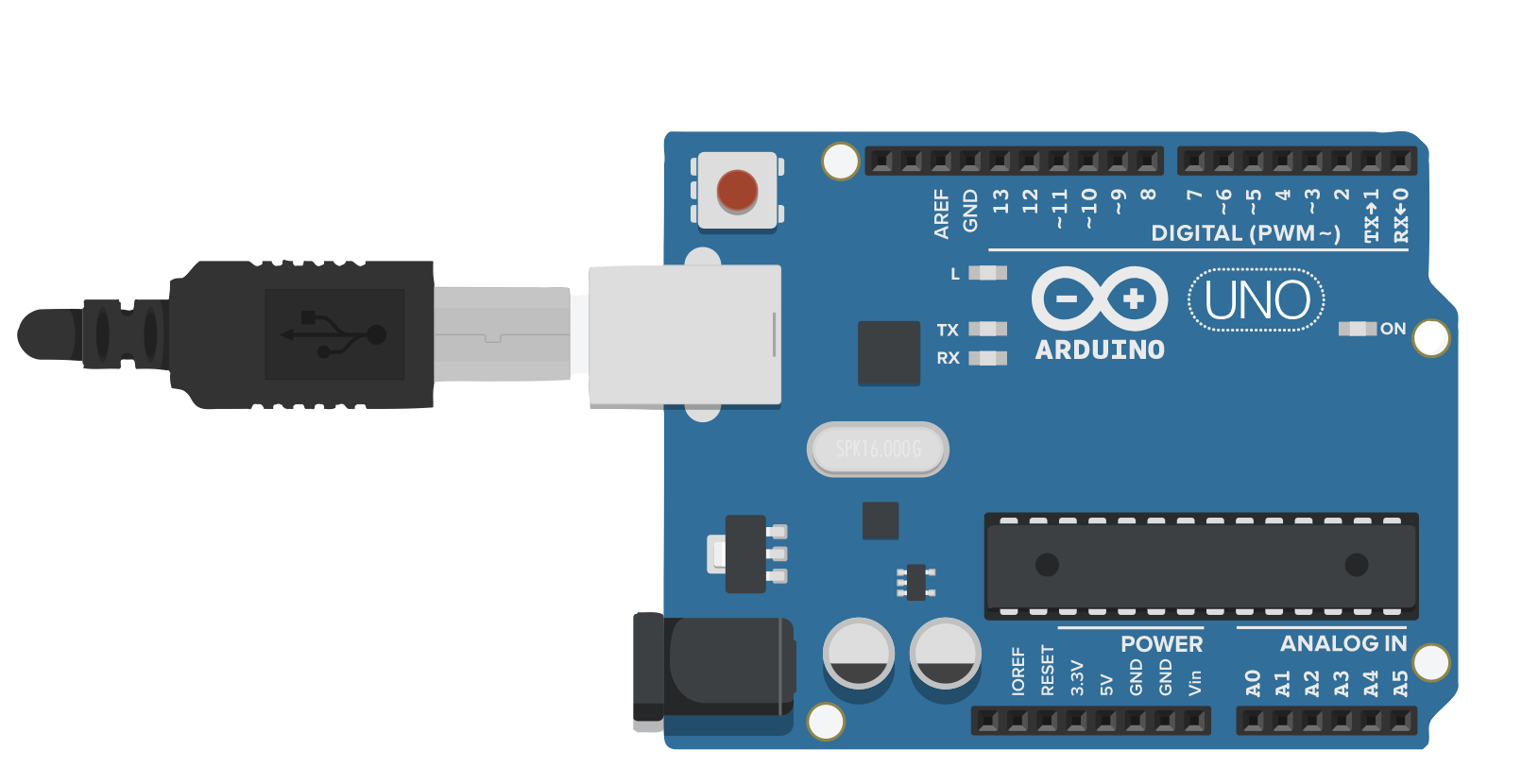
Engineering
Build circuits, program microcontrollers, and make real things that move and respond.
Learn more →C:\SCHOOL\COMPUTER_LAB>
You learned to type, manage files, and think logically — all skills you still use today. Schools stopped teaching that class. We brought it back, and added coding.
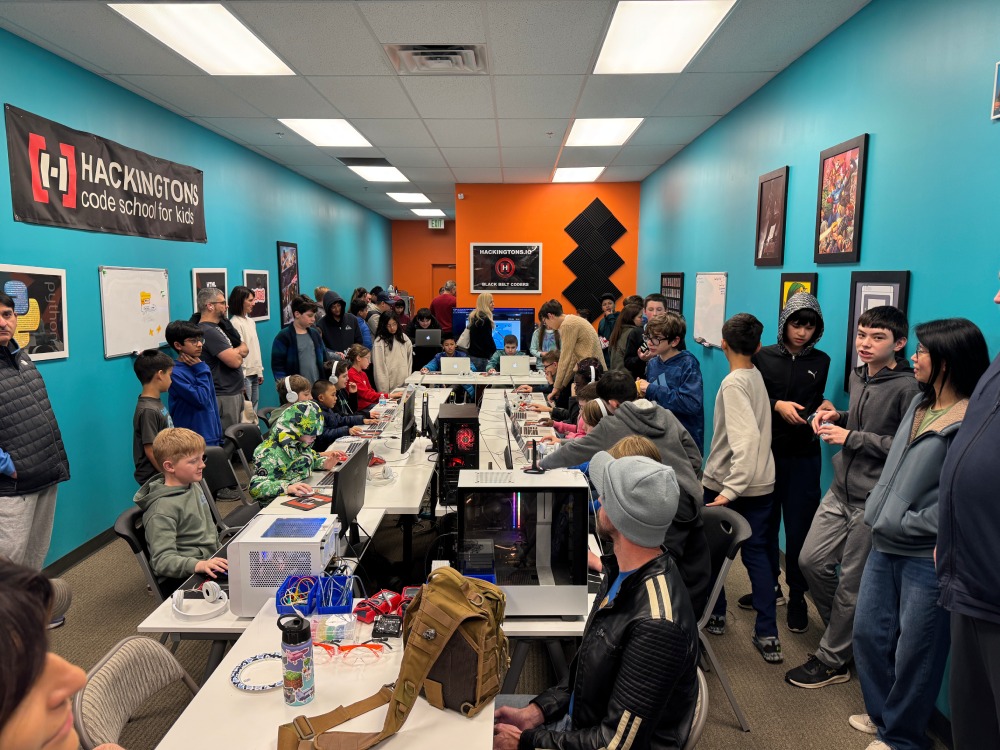
Rocklin · Stanford Ranch & Sunset Blvd


"He loves it more than anything he's ever done."
Rocklin · Stanford Ranch & Sunset Blvd
Schools hand out Chromebooks but don't teach kids how computers actually work. No typing class. No file management. No problem-solving with technology. We fix that.
Think back. The hum of CRT monitors warming up. The satisfying click-clack of mechanical keyboards. Oregon Trail loading on the screen. Your teacher showing you how to save a file to a floppy disk.
That weekly trip to computer lab wasn't just fun — it quietly taught you skills you'd use for the rest of your life. Typing. Organizing files into folders. Understanding how a computer thinks. You probably didn't realize it at the time, but that class shaped how you work today.
Today's students can swipe, tap, and open Chrome. But ask them to create a folder, manage their files, type without looking at the keyboard, or understand what an operating system does — and most can't. These aren't advanced skills. They're the basics. And they've quietly disappeared from the curriculum.
Most kids hunt-and-peck. Formal keyboarding instruction is rare in schools now.
Cloud-first means kids never learn to save, organize, or find their own files.
Chromebooks hide everything. Kids don't know what an OS, a file system, or RAM even is.
When something breaks, the old instinct was to figure it out. Now it's "ask the teacher."
A Chromebook is a consumption device — great for Google Docs and YouTube, not great for learning how to use a computer. Your child needs more than a browser. They need what you had: a real computer education.
We teach everything the old computer lab taught — typing, file management, understanding how computers work — plus the skill that matters most now: coding.
Schools handing out Chromebooks created a generation that can browse the web but can't use a computer. A Chromebook is a great consumption device. But your child needs to learn to create.
At Hackingtons, kids work on real computers with real operating systems, real file systems, and real development tools — the same ones used by professional engineers and developers.
A web browser in a box. No local files, no real software, no development tools. Google Docs and YouTube.
Real computers running real operating systems. Visual Studio Code, Unity, Arduino IDE, Python — professional-grade tools that teach kids how software actually works.
In the 90's, "knowing computers" meant you could type and use a spreadsheet. Today it means you can think logically, automate tasks, and understand the technology that runs everything. Coding isn't just for future programmers — it's for future doctors, architects, business owners, and artists.
Kids choose their track — but every student builds typing skills, learns file management, and understands how computers work. That's the foundation. Then they go further.
Build circuits, program microcontrollers, and make real things that move and respond.
Learn more →Real code, real languages, real projects. Python and JavaScript — the languages the industry runs on.
Learn more →Build professional-quality games in Unity — the same engine behind real titles on Steam and mobile.
Learn more →Design and prototype like a real engineer. 3D modeling, iteration, and creative problem-solving.
Learn more →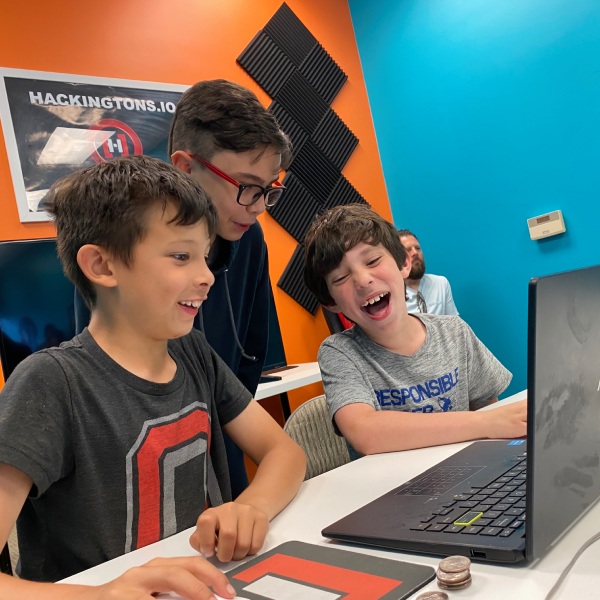
Remember walking into computer lab and knowing exactly where your seat was? That same routine matters. Kids come in, sit with their team, and pick up where they left off. There's structure — check-in, build time, showcase — but it feels like their space, not a classroom.
Typing skills develop naturally because they're coding every week. File management clicks because they're saving, organizing, and versioning real projects. Problem-solving becomes instinct because their code won't run until they figure out why.
Tuition is $140/month. Classes meet once per week for 70 minutes — after school or Saturdays.
When kids write real code every week, typing becomes second nature. No boring drills — real motivation to get faster because their project depends on it.
Kids save projects locally, organize assets into directories, and learn what's happening under the hood — not just inside a browser tab.
The 90's computer lab taught you to use a computer. The modern computer lab teaches kids to think with one — and build things that didn't exist before.
"I told my husband — this is exactly what we had in school, but way better. Our son is learning to actually code. We just learned to type and print."
"My daughter's school gives them Chromebooks but never teaches them how computers work. After two months at Hackingtons she was explaining file systems to me."
What parents notice first:
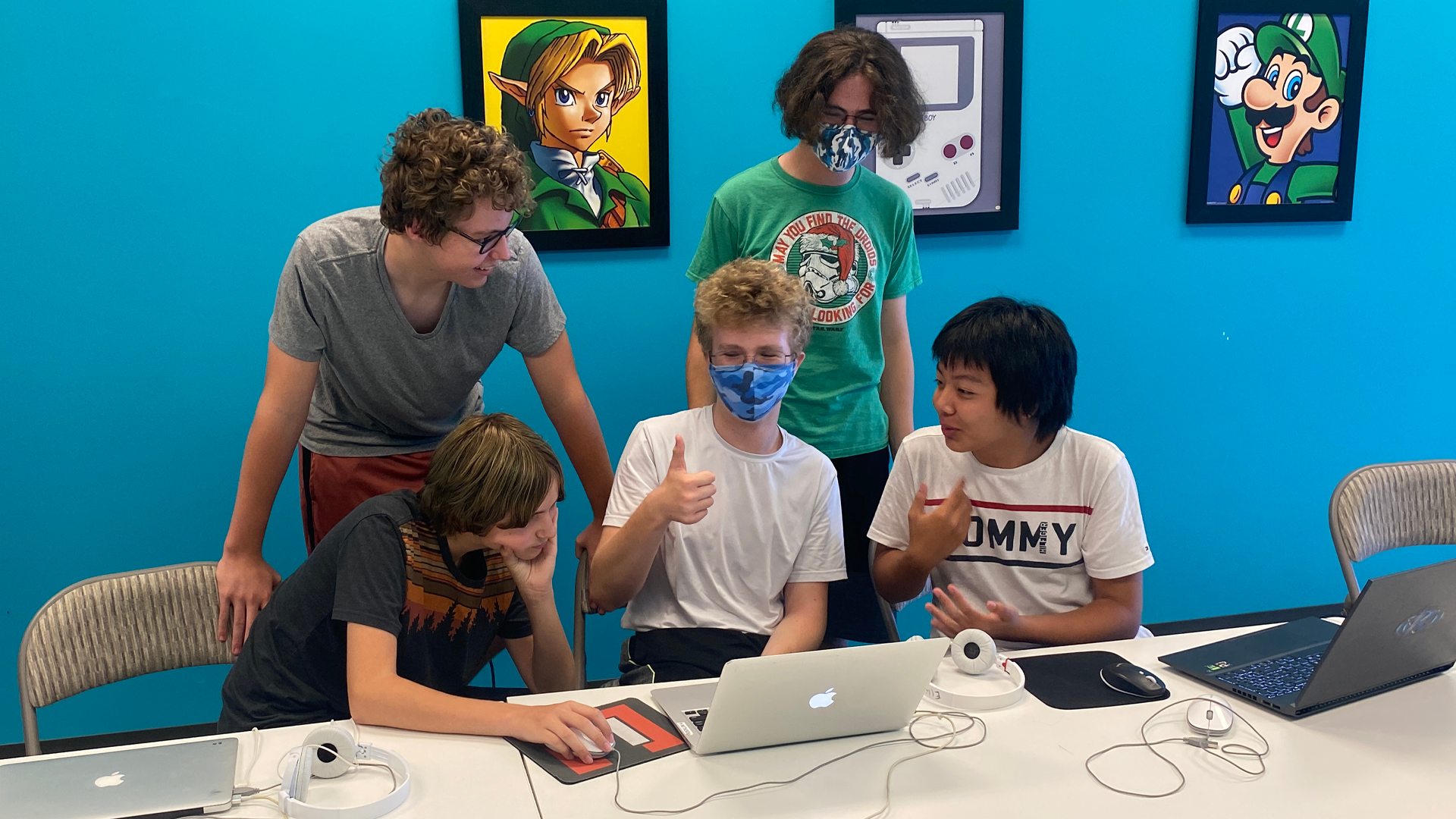
Class starting times at the Rocklin location
Classes meet for 70 min (1x/week)| Mon | Tues | Wed | Thurs | Sat |
|---|---|---|---|---|
| 3:10pm | 9:00am | |||
| 4:30pm | 4:30pm | 4:30pm | 4:30pm | 10:20am |
| 5:50pm | 5:50pm | 5:50pm | 5:50pm | 11:40am |
Most teams have 2–4 spots open. Don't see a time that fits? Email us — we'll help find the right team.
Questions? Call (888) 919-4225
Try a free class — most parents say they knew within one visit.
Questions? Call (888) 919-4225
Each class has three parts: quick check-in with your team, focused build time (coding, game dev, or robotics), and a class showcase. Just like computer lab had structure — log in, lesson, free build time — ours does too.
Same foundation. Better tools. Skills that will matter for the rest of their lives.
Try a Free Class (888) 919-4225