How Hackingtons works
We want your child to gain professional-level tech skills and the confidence to take on any challenge the tech world brings. Along the way, they'll build a real portfolio and, yes, fill a shelf with awards they've earned here.
Every student starts with the basics and earns their way up. No shortcuts, no skipping steps:
Coding and engineering classes are combined, and every student has access to both curriculum tracks. Students choose which track they study each class period.

The trial class
Before the first visit
You'll receive a username and password for our curriculum at hackingtons.io. If you have trouble logging in, email us or call (888) 919-4225.

During the class
The trial takes place during a regular 70-minute class (teacher-to-student ratio of about 1:6). Your child will choose one of the following:
- Build a circuit using a breadboard/Arduino
- Build a basic website
- Write a short Python script
- Create a video game in Scratch
At the end, they'll showcase their project to the class, celebrating progress from day one.
Belt rankings
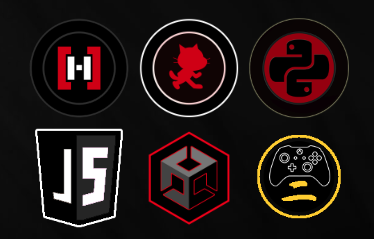
Each programming track has a complete white → black belt progression. Students can focus on one language or pursue multiple tracks in parallel. Advanced students unlock deeper paths in Unity, JavaScript, and Game Design.
Coding with real AI inside
Once students have a coding foundation, they learn to build with AI the way professional developers do: first prompt engineering as a skill, then calling the Claude AI API directly from their own programs. Students ship AI-powered projects they actually use — games with intelligent characters and apps that think.
How we keep it safe
- Content filtered. Every message passes through a child-safety layer. Mature topics and off-topic requests are blocked before they reach the AI.
- We own the connection. Kids never call the AI directly. All requests route through Hackingtons' own system, so students build with AI without ever holding an API key.
See your child's work anytime
The Showcase: an ongoing record of progress
Projects can be marked public or private. View it anytime, no login needed:
Replace USERNAME with your child's actual username.

The professional portfolio: their best work
Every student has a public portfolio to highlight their best projects. It starts empty, and students customize it as they progress:
Replace USERNAME with your child's actual username.

Learning at home
Our curriculum and help system are available 24/7, and we encourage practice between classes.
- Engineering: Your instructor will assign a Tinkercad password — if you didn't receive one, please email us. For the white–green belts, we use a basic "Super Starter Kit for Arduino" (available on Amazon).
- Scratch: Create your own Scratch username/password at home (linked from our Scratch White Belt lesson).
- Python & HTML/CSS/JavaScript: No extra login needed. Use the Code Editor inside hackingtons.io. Projects can be posted to the Showcase.
Asking questions from home
Students can message teachers through our built-in help desk. We typically respond between 3:00–7:00pm most days.

How to share your child's projects
Scratch games: two steps
Step 1 — Share on Scratch. Inside the Scratch editor, click the orange Share button. It only appears when your child is logged in to Scratch.

Step 2 — Post the link to Hackingtons. Teachers can't see the game unless the link is submitted to the Showcase or the "Ask for Help" section in hackingtons.io.

HTML, JavaScript & Python projects
Open the Showcase in hackingtons.io, choose the relevant category (HTML, JavaScript, Python), then paste the project link.

Competitions
Monthly competitions
We hold monthly competitions both online and in person. All students, at any experience level, are invited to compete for trophies. Themes and languages rotate. Keep a lookout for our monthly newsletter for announcements and details.

Hackingtons500
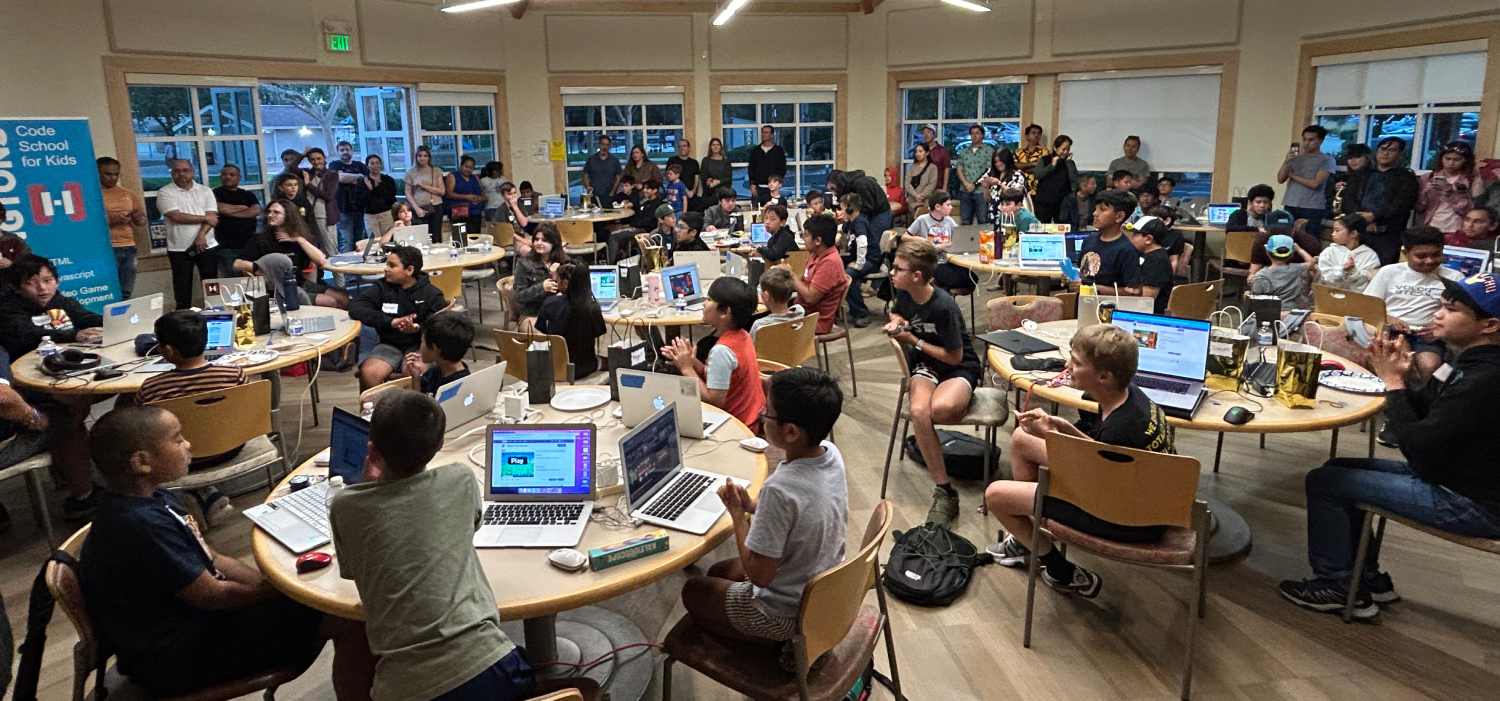
Our flagship annual competition takes place every late October. Students from all locations come together for a day of coding challenges, food, prizes, and giant trophies. It's the biggest event of the year, and one your child won't want to miss.
Stay in the loop
One short email a week: student showcases, competition announcements, and practical tips for parents raising kids in the age of AI.